PromoteTools


NitroPack
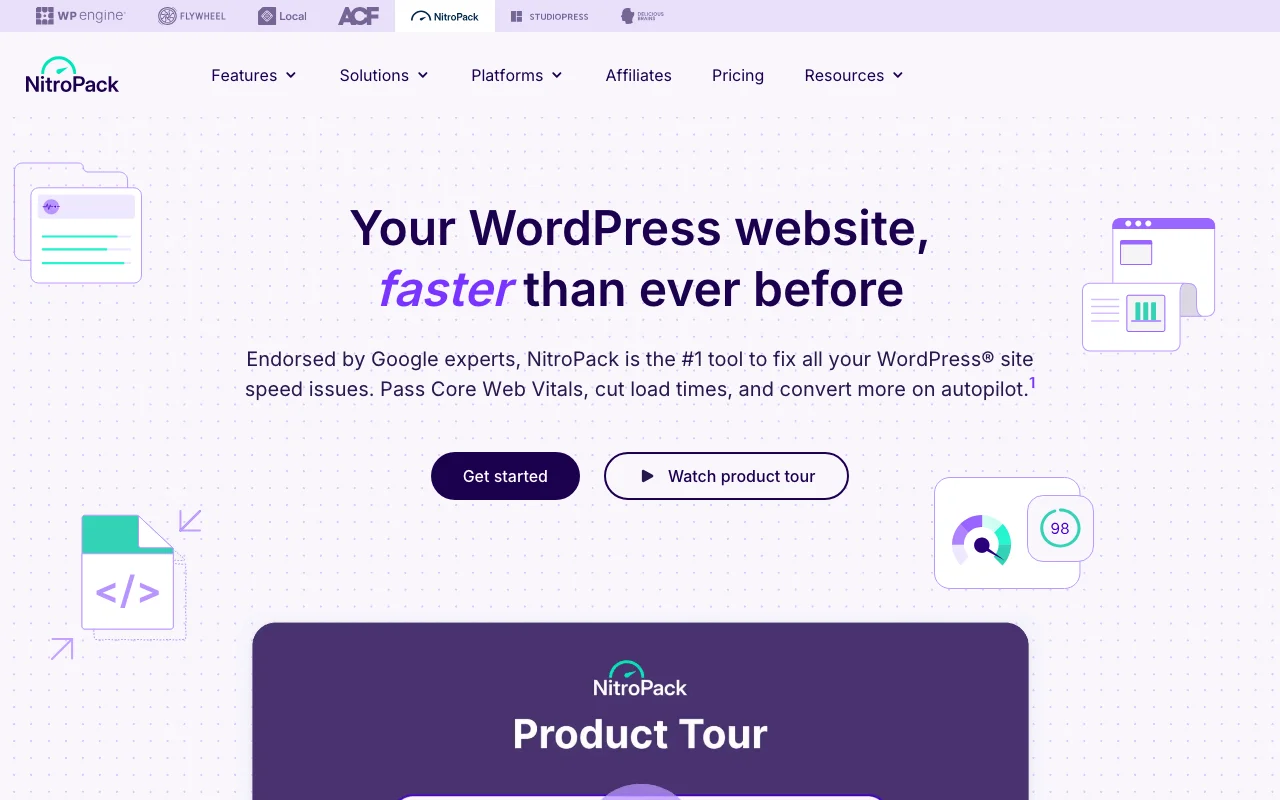
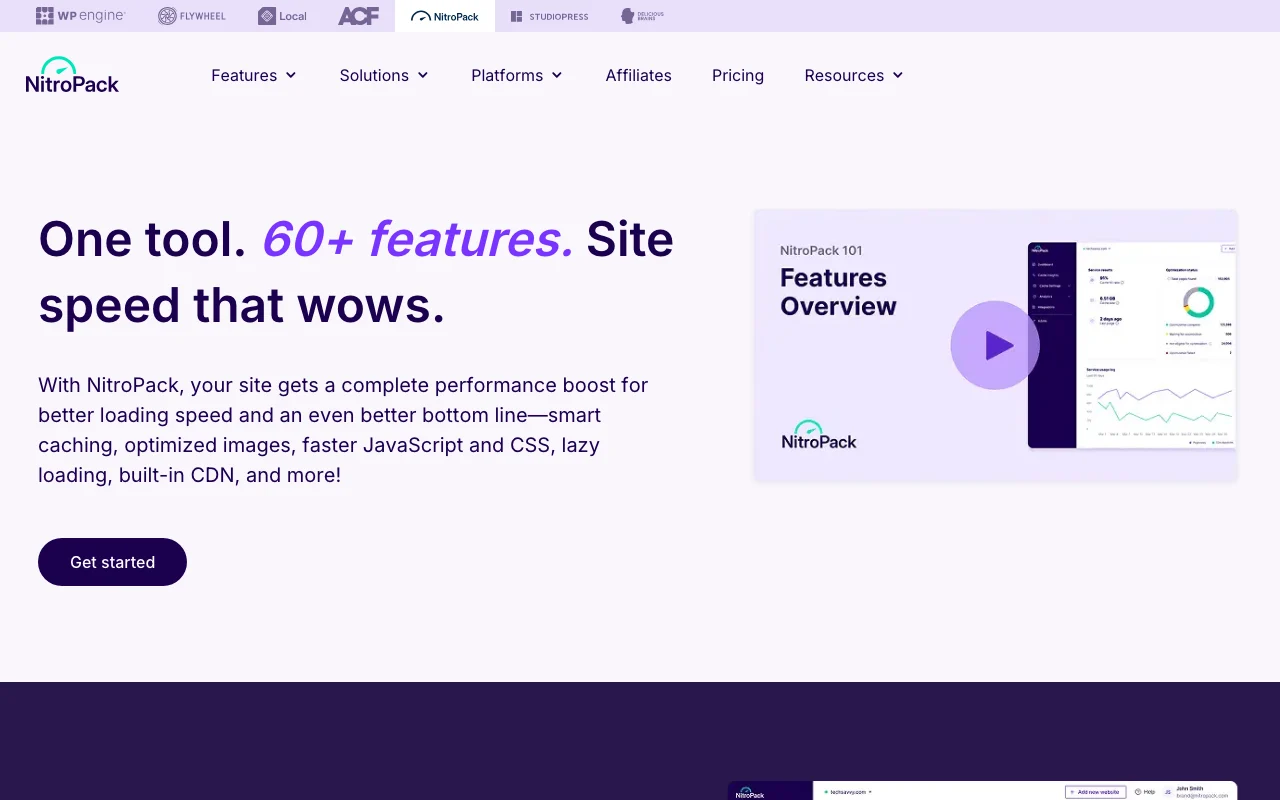
If you’re on WordPress or WooCommerce and you want better page speed and Core Web Vitals, NitroPack helps you optimize your site for faster loading. It covers caching, code minification, image optimization, font optimization, and CDN updates so your site stays responsive as content changes.
#58in Popular, all time
0 points all time
See the full rankingScreenshots
1–2 of 21 of 2
About NitroPack
If you’re on WordPress or WooCommerce and you want better page speed and Core Web Vitals, NitroPack helps you optimize your site for faster loading. It covers caching, code minification, image optimization, font optimization, and CDN updates so your site stays responsive as content changes.
Where you can use NitroPack
NitroPack is available as a WordPress plugin. It’s aimed at WordPress and WooCommerce users who want to improve page speed and Core Web Vitals.
Before you sign up
Your original site files are protected because NitroPack optimizes copies of files rather than altering the originals. There’s no vendor lock-in, and you can use test mode to preview optimization settings before they go live.
Works with your other tools
NitroPack works alongside common hosting and image tools, with listed compatibility for WP Engine Hosting, Cloudways, Kinsta Hosting, and ShortPixel Image Optimizer, Smush, Optimole, and EWWW Image Optimizer. It also supports configuration related to Cloudflare, Wordfence, and Sucuri, including a mention of Cloudflare+WooCommerce+NitroPack.
Common questions
Is it hard to set up NitroPack?
Most users are ready in under 3 minutes, according to the setup FAQ.
Will NitroPack break my website?
NitroPack optimizes copies of files so the original site files stay safe.
How far does NitroPack's free tier go?
The free plan is $0 per month and the pricing table lists 1,000 pageviews per month.
Is NitroPack hard to learn?
Most users are ready in under 3 minutes, according to the setup FAQ.
Who is NitroPack made for?
NitroPack targets WordPress and WooCommerce users who want to improve page speed and Core Web Vitals.
Similar tools

Profound
Start with a 7-day evaluation and credits
Semrush
For businesses growing online visibility
SEOTesting.com
Test SEO changes with Search Console data
Surfer
Run buyer prompts across AI engines
Wordlift
AI discovery and SEO tools for brandsRanked near NitroPack

56. Monica
Summarize webpages and videos with Monica
57. Mubert
Text prompts to tracks and license certificates58. NitroPack
Improve page speed for WordPress teams
59. Notion
An AI workspace to capture and automate