 PromoteTools


Cursor
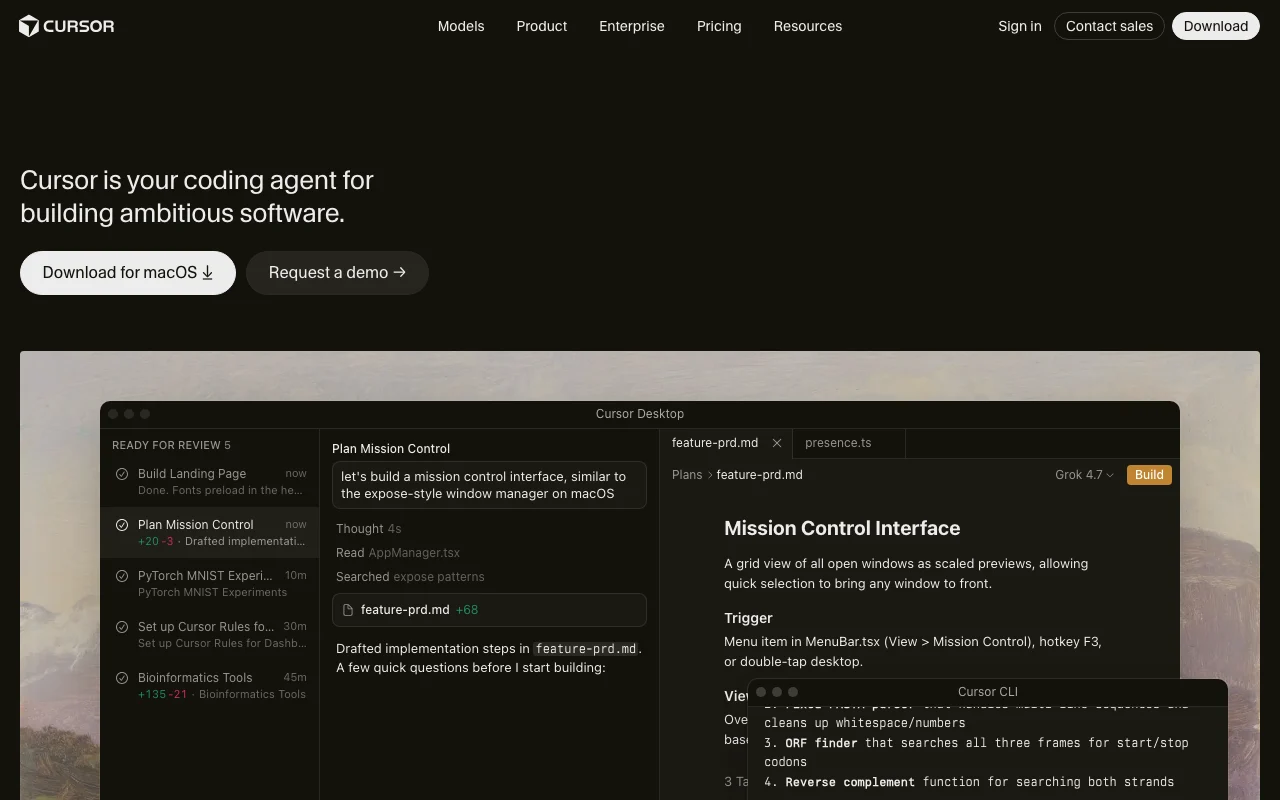
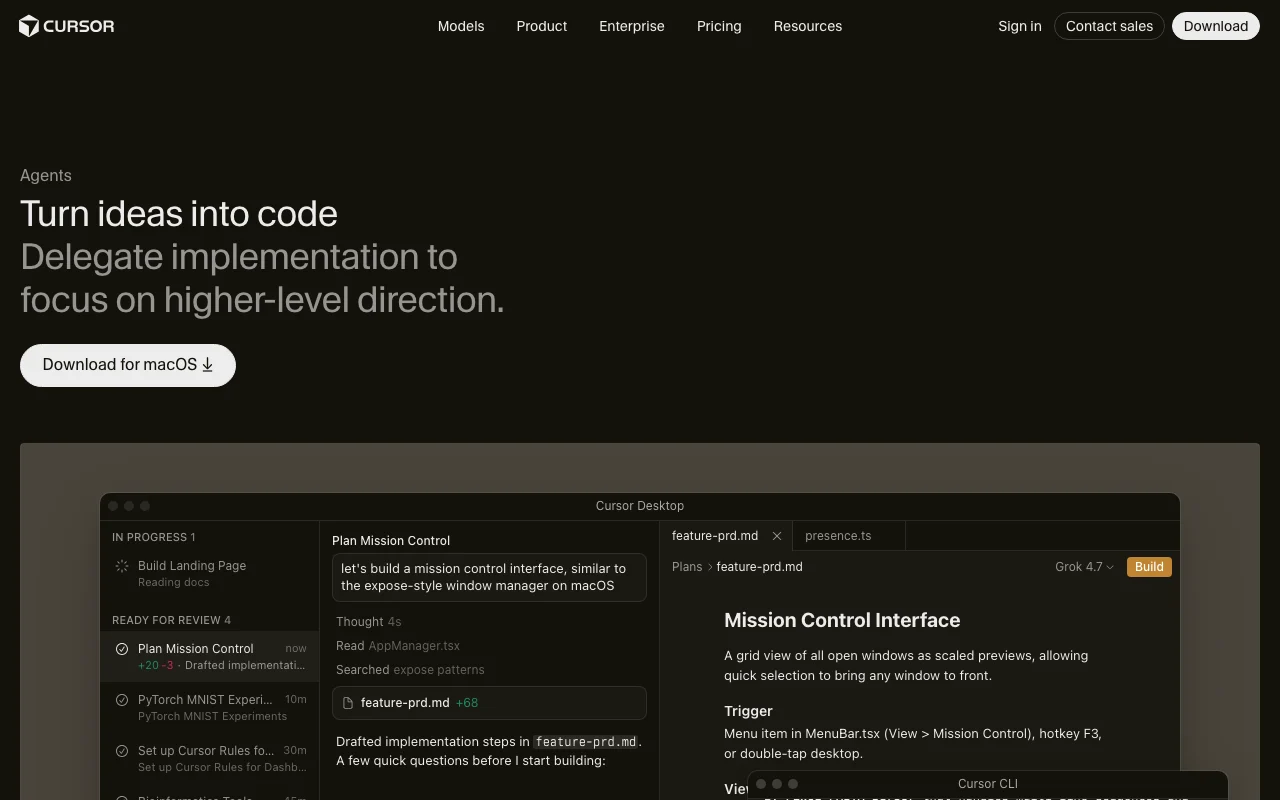
You can run cloud agents in parallel with isolated VMs that can build, test, and work with changed software. If you manage multi-repo work, those agents can open pull requests in changed repos. Start Mission Control to trigger cloud agent execution across your devices and tools.
#19in Popular, all time
0 points all time
See the full rankingScreenshots
1–2 of 21 of 2
About Cursor
You can run cloud agents in parallel with isolated VMs that can build, test, and work with changed software. If you manage multi-repo work, those agents can open pull requests in changed repos. Start Mission Control to trigger cloud agent execution across your devices and tools.
Connecting Cursor to your stack
Kick off cloud agents from iOS, Web, Desktop, Slack, GitHub/Bitbucket, and Linear. For deeper control, cloud agents can use MCP servers over HTTP and stdio, including OAuth for MCP servers that require it. Cursor docs also cover starting cloud agents via an API.
Apps and devices
Use the macOS download to get Cursor running on your desktop. The desktop interface includes Mission Control, which you can open from the View menu, use the F3 hotkey, or double-tap the desktop.
What people ask about Cursor
How do usage limits work?
Plan usage pools refresh weekly, so one heavy day won’t empty the whole month. If you exceed included usage, you can buy top-offs or wait for the next refresh.
Is the Grok API included in my plan?
API usage for Grok is billed separately at standard model rates and does not come from plan usage pools.
How is Cursor billed?
Free costs $0 per month and includes limited AI usage plus limited agent and chat requests. Plus is $8/month, Premium is $30/month, Super is $100/month, and Ultra is $200/month. Teams is $30 plus $ per user per month, with Enterprise as custom and requiring contact sales. Prices shown exclude applicable taxes and fees. Third-party model usage is billed separately and isn’t included in monthly plan prices.
Where do you start in Cursor?
Use Mission Control to trigger cloud agent execution. Open it from the View menu, press F3, or double-tap the desktop.
How long does it take to get going with Cursor?
Cloud agent execution requires an account admin to connect source control before starting an agent.
Similar tools

C3 AI
Agentic operating system for enterprise AI
Fetch.ai
Natural-language requests to booked plans
GitHub
Start free, ship faster with GitHub
Glide
Apps for operations, IT, and business teams
Hiver
Support ticketing for teams using GmailRanked near Cursor

17. CodeSandbox
Spin isolated sandboxes to run code safely
18. CoSchedule
Plan, publish, and measure your marketing19. Cursor
Run parallel cloud agents in isolated VMs
20. Decktopus
AI decks with coaching and analytics