PromoteTools


Decktopus
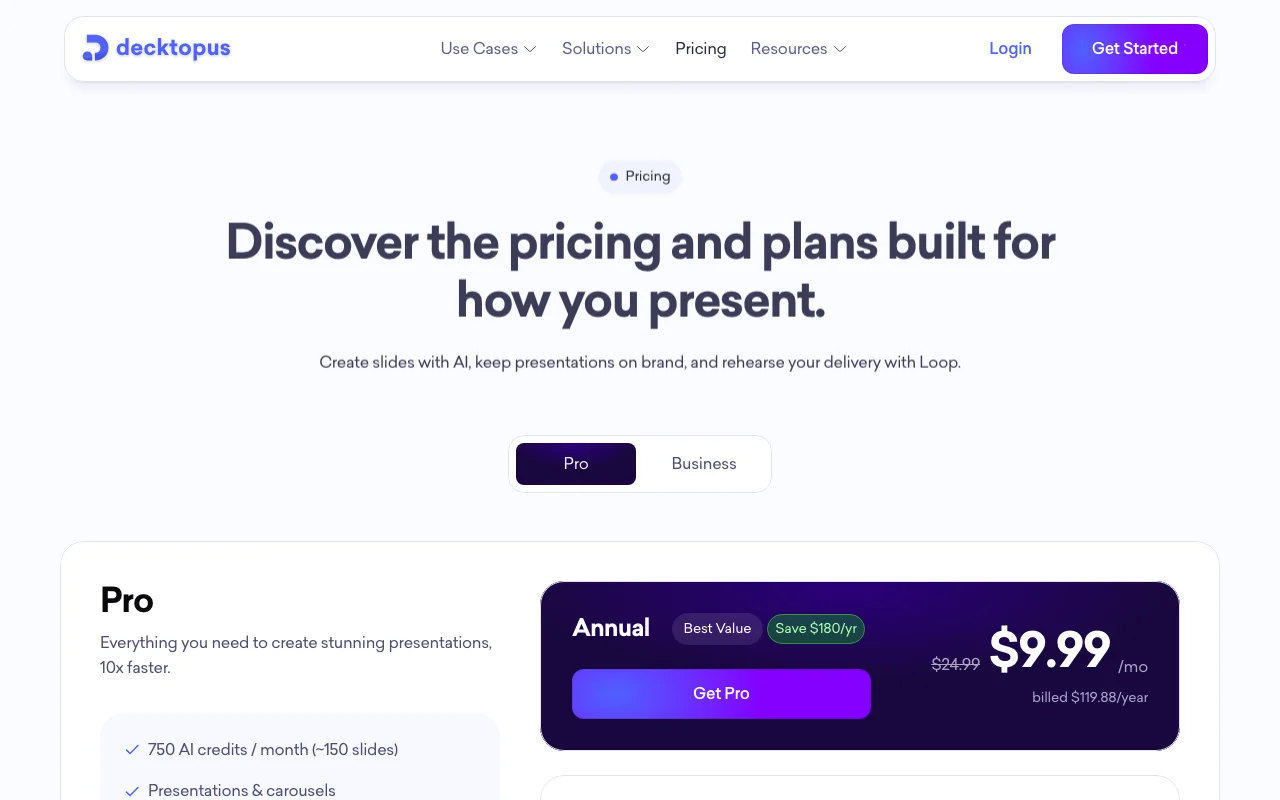
Decktopus helps you turn a topic description into a complete, on-brand presentation. Use it for pitch decks, investor updates, proposals, client reports, educational decks, onboarding, workshops, and email-gated lead magnets. You also get Loop, an AI delivery coach for practicing pacing and clarity.
#20in Popular, all time
0 points all time
See the full rankingScreenshots
1–2 of 31 of 3


About Decktopus
Decktopus helps you turn a topic description into a complete, on-brand presentation. Use it for pitch decks, investor updates, proposals, client reports, educational decks, onboarding, workshops, and email-gated lead magnets. You also get Loop, an AI delivery coach for practicing pacing and clarity.
Your first hour with Decktopus
Start in Decktopus Studio by creating a deck or carousel from a topic description or an uploaded file, with your brand applied automatically. Then open Loop to simulate audience questions and get feedback on pacing and clarity.
The people Decktopus is built for
Decktopus is aimed at consultancies, agencies, coaches, advisors, educators, and founders. It’s also described for winning pitches, investor decks, new-business presentations, proposals (including scope, fees, and next steps), client reports and summaries, educational decks, onboarding, workshops, and email-gated lead magnets.
Works with your other tools
Decktopus connects with tools and assistants like ChatGPT and Claude, and it offers an MCP Server endpoint at https://apiv21.decktopus.com/mcp. It also lists Zapier so you can trigger presentation generation from CRM updates or form submissions.
Common questions
What makes Decktopus AI special?
Decktopus AI generates a complete presentation from a topic description, including structure, content, and design. It also includes Loop, an AI delivery coach for practicing pacing and clarity, plus analytics for how shared decks are viewed.
Can I cancel anytime?
You can cancel anytime.
Is there a trial of Decktopus?
New users get free credits at signup to try creating a 3-slide presentation.
What do people use Decktopus for?
People use Decktopus for winning pitches, investor decks, and new-business presentations. It’s also used for proposals (scope, fees, and next steps), client reports and client-facing summaries, educational decks, onboarding, workshops, and email-gated lead magnets.
What are the first steps in Decktopus?
Create a deck or carousel in Studio from a topic description or an uploaded file. Then use Loop to simulate audience questions and review pacing and clarity feedback.
Similar tools

Befunky
Online photo editor & design suite
Brandmark
Turn logo ideas into exportable branding
Kittl
Design with AI tools using templates
LogoAI
Get a living brand from a name
Turbologo
Generate and customize a logo with AIRanked near Decktopus

18. CoSchedule
Plan, publish, and measure your marketing
19. Cursor
Run parallel cloud agents in isolated VMs20. Decktopus
AI decks with coaching and analytics
21. DeepAI
Turn text prompts into images in minutes