 PromoteTools


EduBrain
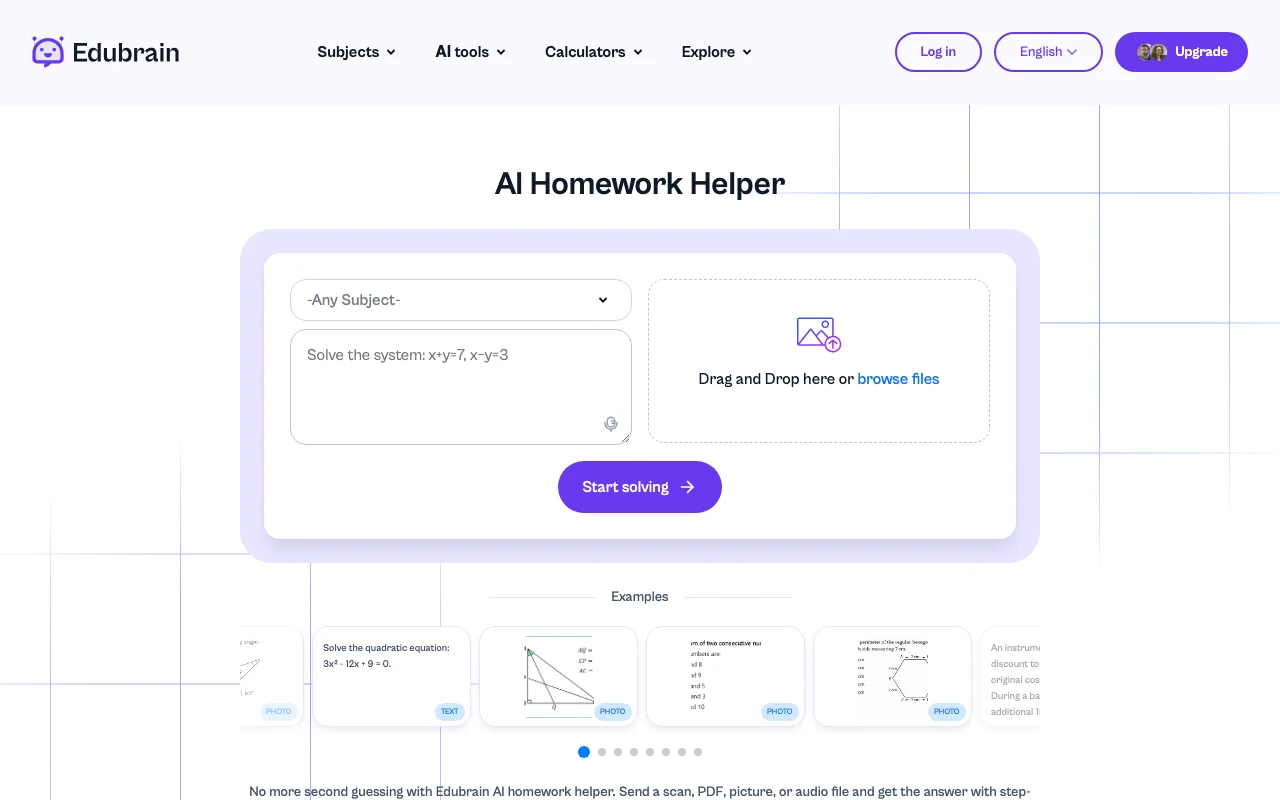
You ask a question or upload a scan, PDF, picture, or audio file, and EduBrain gives step-by-step guidance in seconds. Use it for schoolwork and exam review by uploading old exams, midterms, or problem sets, including math topics like algebra, geometry, calculus, and statistics.
#25in Popular, all time
0 points all time
See the full rankingScreenshots
1–2 of 21 of 2
About EduBrain
You ask a question or upload a scan, PDF, picture, or audio file, and EduBrain gives step-by-step guidance in seconds. Use it for schoolwork and exam review by uploading old exams, midterms, or problem sets, including math topics like algebra, geometry, calculus, and statistics.
From start to finish in EduBrain
Ask a question or upload a worksheet photo. If you’re doing discrete math, pick a topic, then click Start Solving to get a step-by-step breakdown. The discrete math page notes the AI can make mistakes, so double-check important information.
EduBrain vs the usual way
EduBrain is positioned as a learning helper, not a tool that does the work for you. You get support and guidance that help you learn the subject as you solve.
Your data in EduBrain
The site says files are removed right after processing and it does not store or track your data. It also says it does not collect personal data because registration or credit-card payment is not required, and it uses advanced encryption to protect visits.
Questions about EduBrain
Is Edubrain's AI Homework Helper free?
Yes. The free plan is priced at $0 per week, and the site says it is free of charge. The free version also works with no sign-up or login.
Can you use EduBrain without paying?
Yes. The about page says the service is free of charge, and the free plan is priced at $0 per week. The free version works with no sign-up or login.
What can you feed into EduBrain?
You can upload a scan, PDF, picture, or audio file to get answers. For discrete math, you can also upload a worksheet photo.
Similar tools

scite.ai
Citation-backed research answers
AlphaSense
Market intelligence research for professionalsRanked near EduBrain

23. Descript
Editing text into video and audio
24. Durable
Launch a website fast with booking and CRM25. EduBrain
Get step-by-step homework help fast
26. Elicit
Get cited research reports and evidence