PromoteTools


Descript
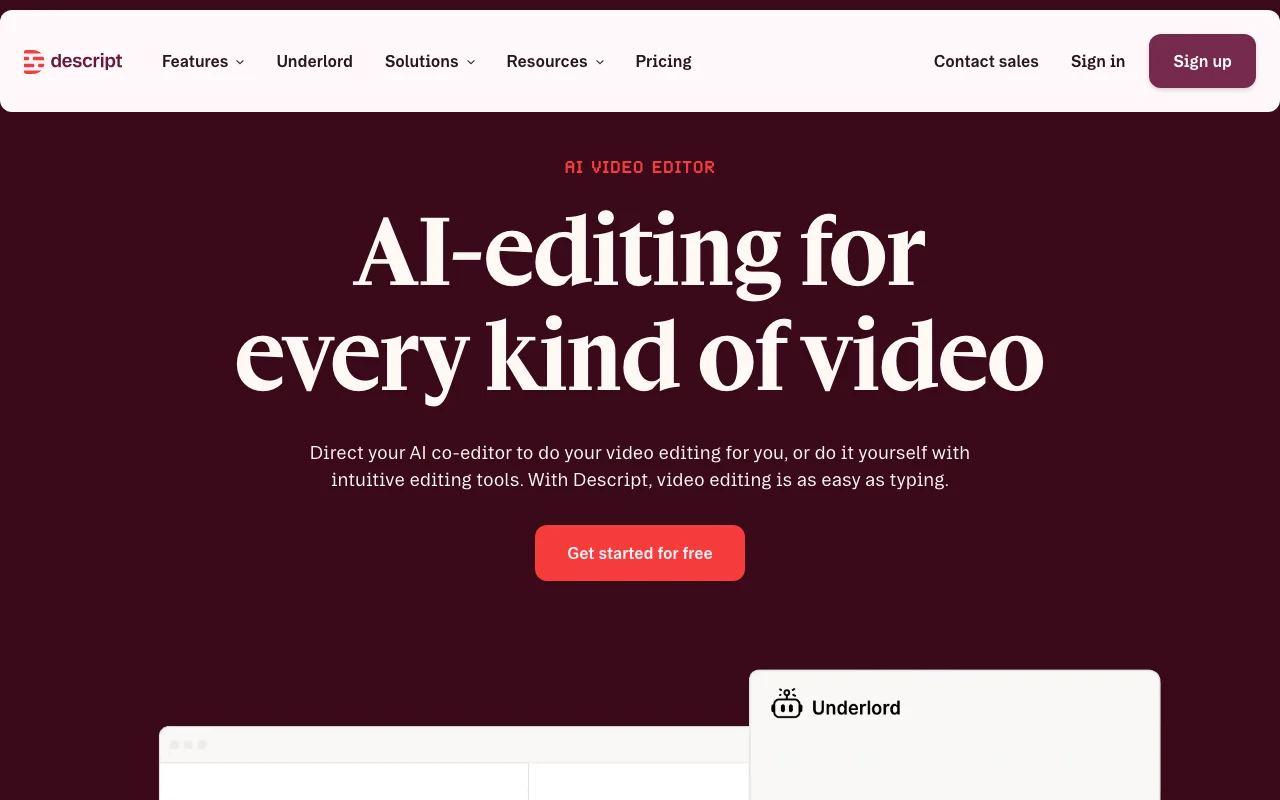
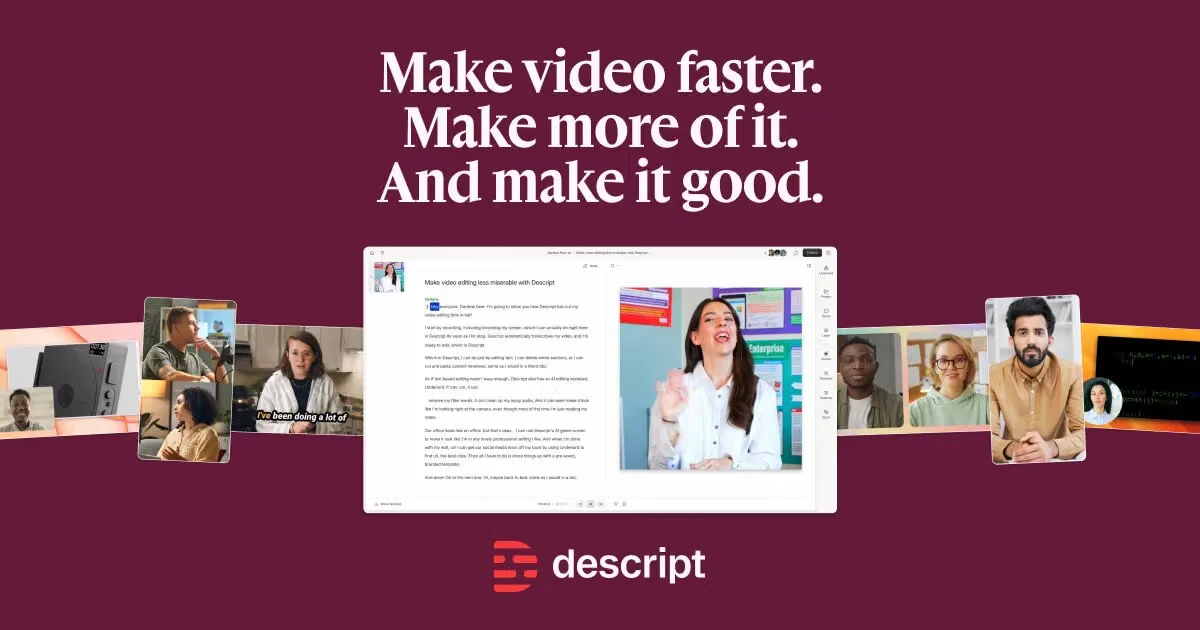
Descript is an AI video and audio editor for teams and individuals who work with recordings, transcripts, and publishing. You transcribe recorded or uploaded audio/video, then cut, trim, and rearrange via the transcript. Editing happens by deleting words and moving sentences, and you can refine and share from the same workflow.
#23in Popular, all time
0 points all time
See the full rankingScreenshots
1–2 of 31 of 3
About Descript
Descript is an AI video and audio editor for teams and individuals who work with recordings, transcripts, and publishing. You transcribe recorded or uploaded audio/video, then cut, trim, and rearrange via the transcript. Editing happens by deleting words and moving sentences, and you can refine and share from the same workflow.
Getting Descript on your devices
- Descript has an integrations page you can access from its website
- Descript’s platform includes named connections shown on that integrations page
Where Descript stops
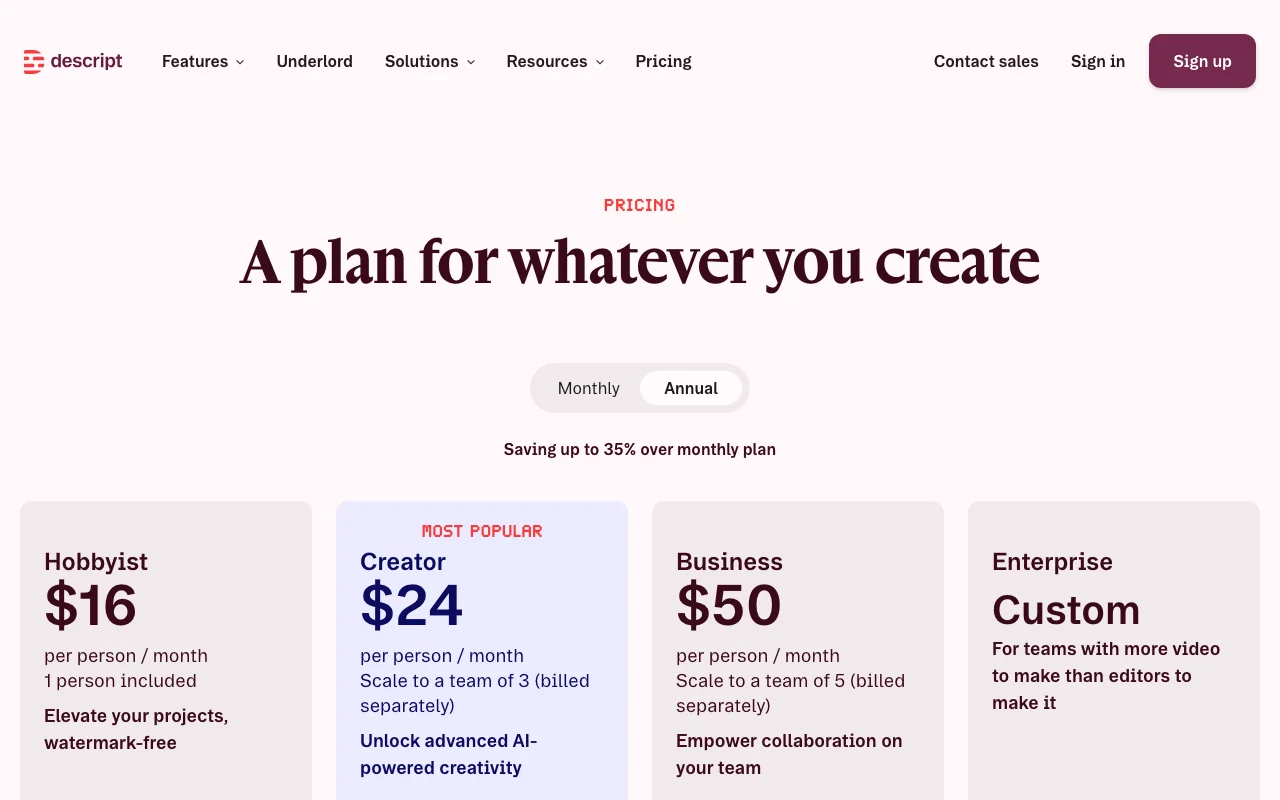
The free plan has export limits: 720p output with a watermark. It also shows limited use of Underlord and a limited trial of AI Speech.
Your data in Descript
Descript says recordings, transcripts, and projects are handled to EU data protection standards.
What Descript connects to
Descript lists connections to Claude, ChatGPT, Claude Motion, Zapier, and Raycast. Its integrations support one-click imports into Descript and one-click publish exports to hosting platforms.
Descript FAQ
How does editing by text work?
Descript edits video by editing text in a transcript. You can delete words and move sentences to move the video.
What files can I bring into Descript?
Descript can transcribe video or audio from a Zoom call import for immediate editing.
Is Descript meant for individuals or companies?
Descript is used by enterprise teams, including Amazon, Canva, Salesforce, and others.
Can you try Descript before paying?
Yes. Descript has a free plan with no credit card required.
Where do you start in Descript?
You start with the workflow steps: Record, Edit, Refine, Share, and Multiply.
Similar tools

Kapwing
For marketers and creators, edit and ship videos
Biteable
Turn script ideas into shareable videos
Filmora
Turn edits into tagged, captioned video
HitPaw VikPea
Free trial for AI video enhancement
Mubert
Text prompts to tracks and license certificatesRanked near Descript

21. DeepAI
Turn text prompts into images in minutes
22. DeepL
Translate text, files, images, speech23. Descript
Editing text into video and audio
24. Durable
Launch a website fast with booking and CRM