 PromoteTools


Filmora
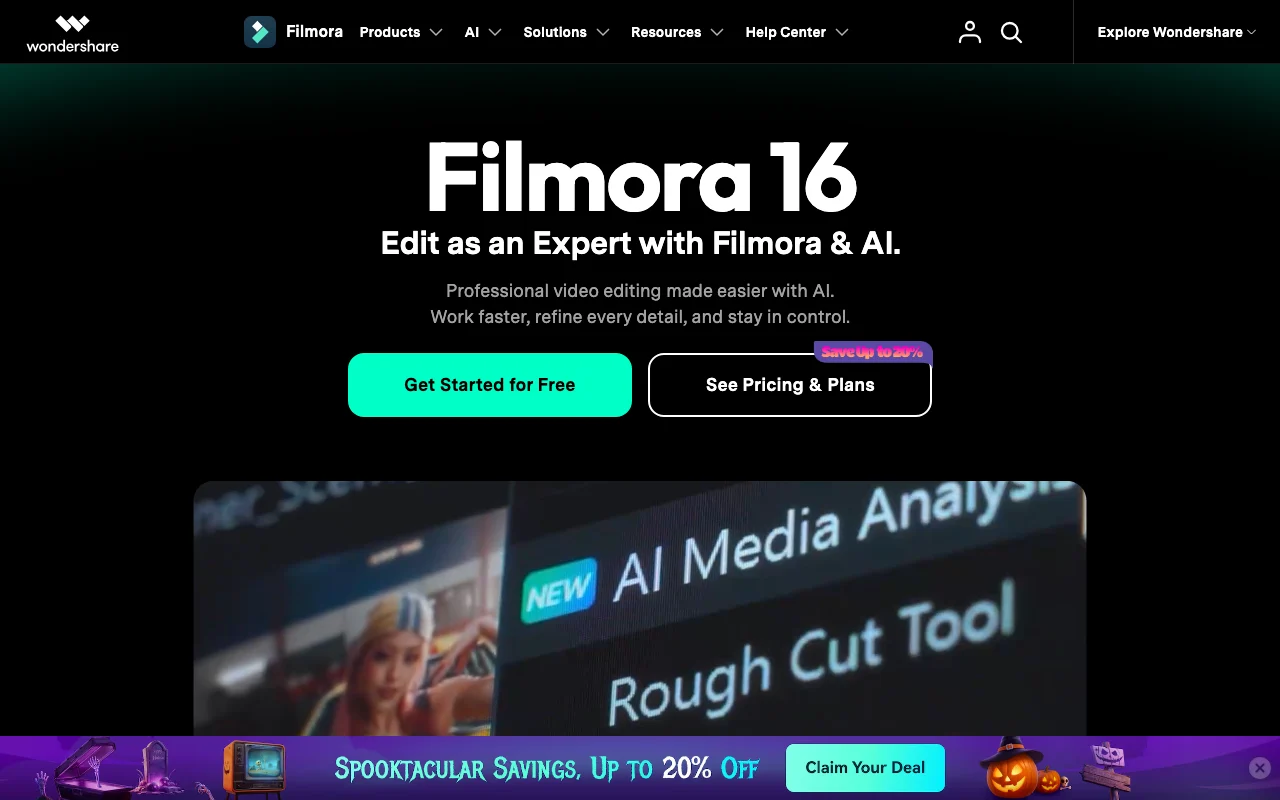
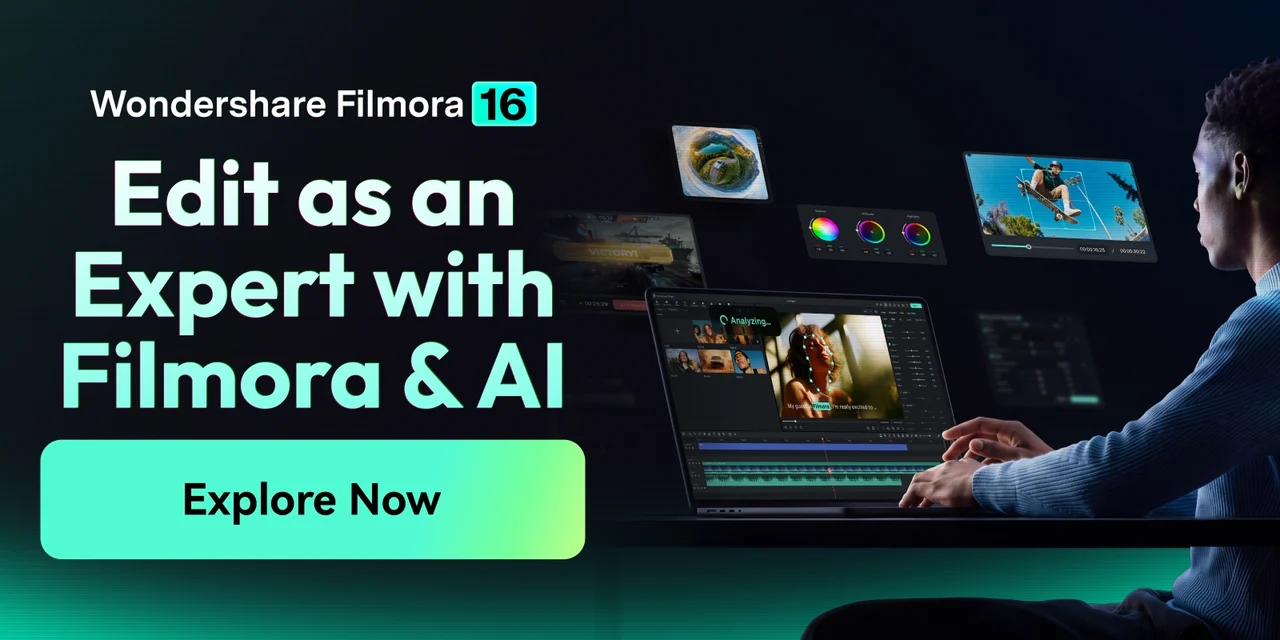
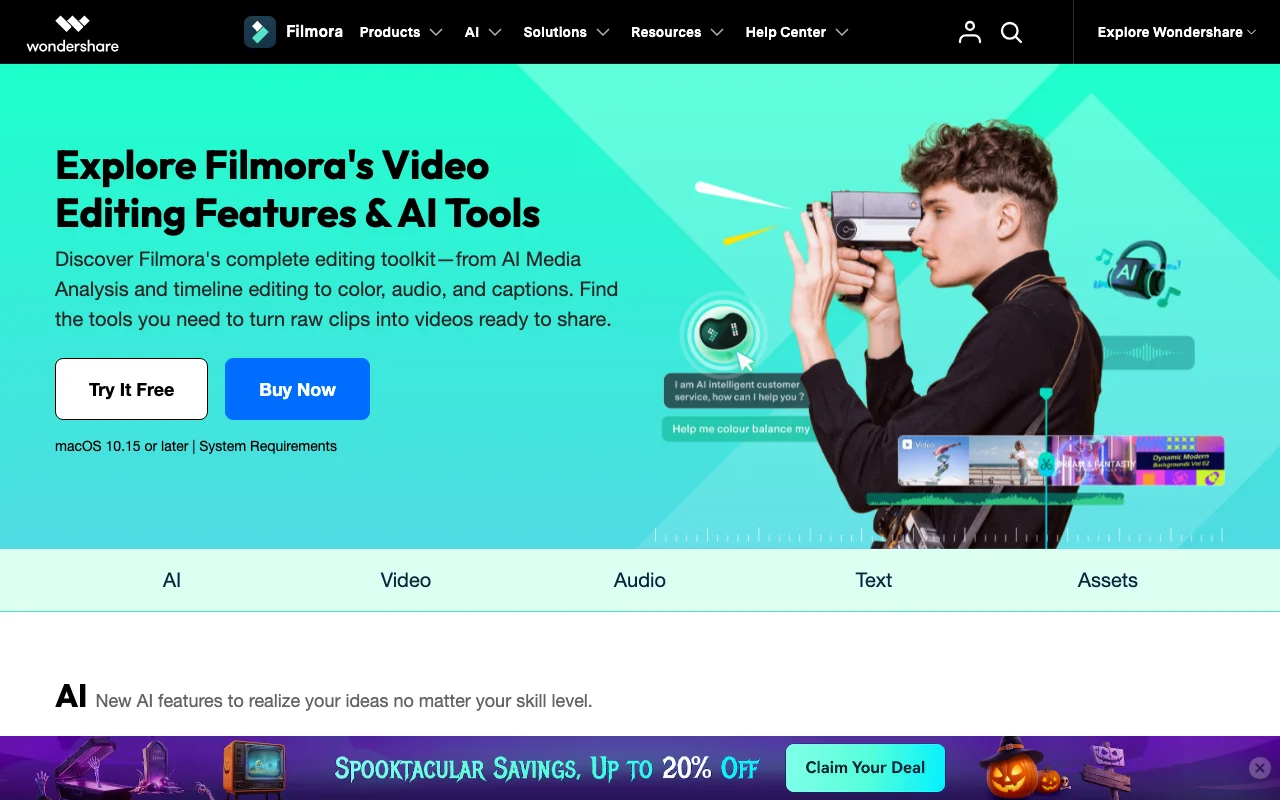
Turn your footage into polished video using Filmora’s AI Media Analysis, timeline editing, and delivery tools. You can generate tags and summaries, create voiceovers from text, and make captions from speech.
#29in Popular, all time
0 points all time
See the full rankingScreenshots
1–2 of 31 of 3
About Filmora
Turn your footage into polished video using Filmora’s AI Media Analysis, timeline editing, and delivery tools. You can generate tags and summaries, create voiceovers from text, and make captions from speech.
Inside Filmora
- AI Media Analysis generates tags, summaries, and editing suggestions
- Timeline editing includes camera tracking plus keyframe and curve controls for motion
- Create voiceovers from text and generate captions from speech
- Use Multi-Version Delivery for different aspect ratios, translations, and destinations
What Filmora connects to
Export a Final Cut Pro 7 XML timeline to continue editing in another editor. Filmora also supports industry-standard OpenFX and VST3 plugins via its Plugin Resource page, with a library that includes FilmConvert — Nitrate, RE:Vision Effects — DE:Noise, and Red Giant — Magic Bullet Look.
What people ask about Filmora
What can AI Media Analysis do in Filmora?
AI Media Analysis can generate tags, summaries, and editing suggestions.
Can Filmora connect to another editor using an XML timeline?
Yes. Filmora can export a Final Cut Pro 7 XML timeline for continuing in another editor.
How does Filmora handle voiceovers and captions?
Filmora can create voiceovers from text and generate captions from speech.
Which plugins are included in Filmora’s plugin library?
The plugin library includes FilmConvert — Nitrate, RE:Vision Effects — DE:Noise, and Red Giant — Magic Bullet Look.
Similar tools

Submagic
Get to publish edited shorts with less setup
Adobe Firefly AI Anime Generator
Prompt or reference images to anime art or video
Kapwing
For marketers and creators, edit and ship videos
Descript
Editing text into video and audio
getimg.ai
Shared creative workspace for small teamsRanked near Filmora

27. Exa
Turn research into cited answers for AI apps
28. Fetch.ai
Natural-language requests to booked plans29. Filmora
Turn edits into tagged, captioned video
30. Flick
Schedule, hashtags, AI writing & analytics