 PromoteTools


Submagic
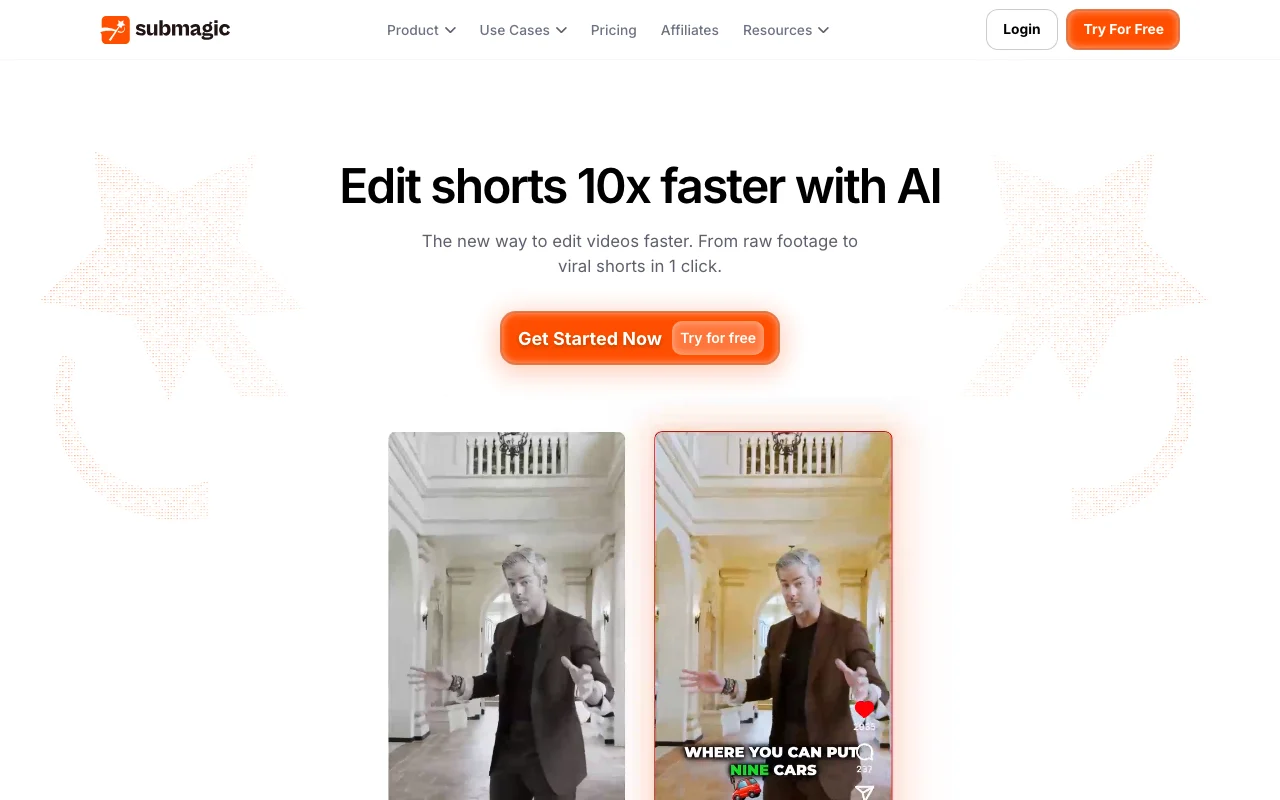
Start with Submagic using a Try for free option with no credit card required. You’ll edit with text-based trimming and cutting, generate captions in multiple languages, and repurpose one video into multiple shorts. Use it to schedule and publish from the editor to multiple platforms, suited for businesses, agencies, marketing teams, and creators.
#1in Popular, all time
3 points all time
See the full rankingScreenshots
1–2 of 31 of 3
About Submagic
Start with Submagic using a Try for free option with no credit card required. You’ll edit with text-based trimming and cutting, generate captions in multiple languages, and repurpose one video into multiple shorts. Use it to schedule and publish from the editor to multiple platforms, suited for businesses, agencies, marketing teams, and creators.
Submagic integrations
Use no-code integrations with Zapier, Make, and n8n. Connect to Google Drive to auto-edit videos and return results there. Sync brand kits (logos, styles, and colors) with Gumloop.
Paying for Submagic
Submagic offers a Try for free option and says no credit card is required. Starter is $19 per month for 45 credits covering 15 videos up to 2 minutes. Pro is $39 per month for 120 credits covering 40 videos up to 5 minutes, and Business is $69 per month for 300 credits covering 100 videos up to 30 minutes.
What Submagic can do
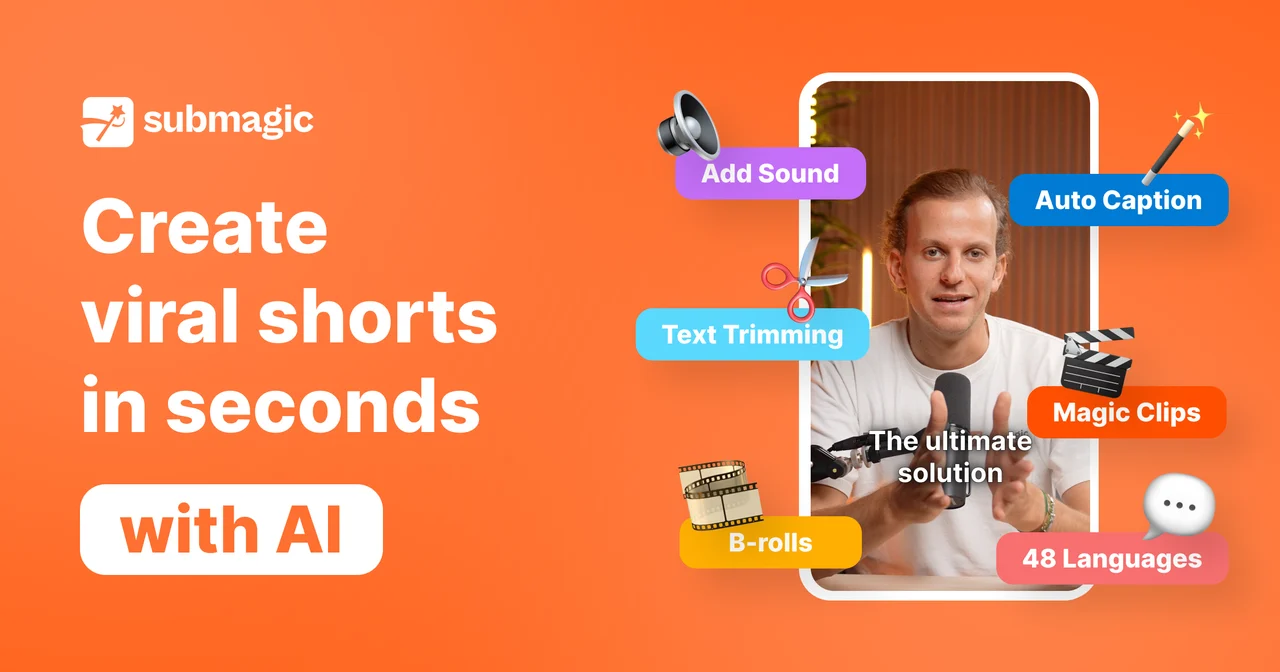
Edit by trimming and cutting using text-based editing instead of a traditional timeline. Magic Clips repurposes one video into multiple shorts by extracting key moments and cuts. Generate AI captions in multiple languages (with 99% accuracy) and highlight low-confidence transcript words when accuracy is below 90%.
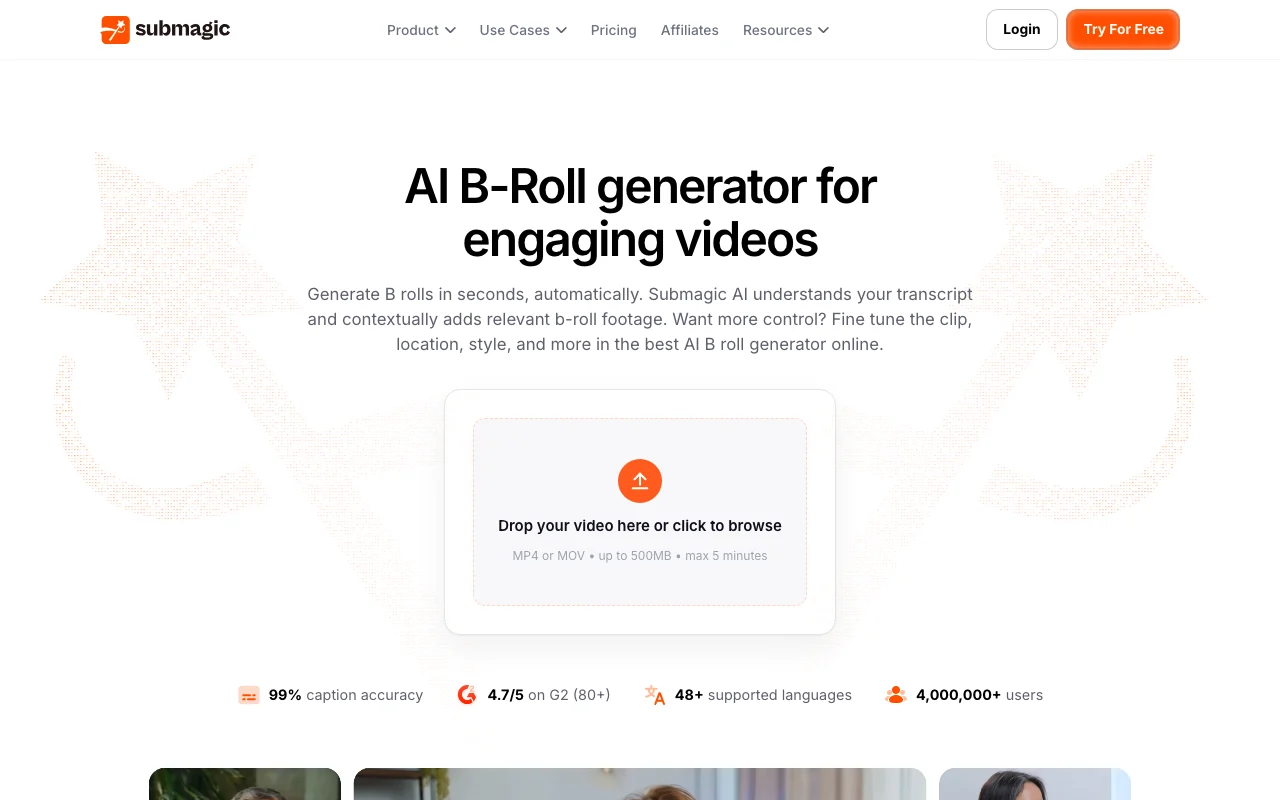
Add AI B-roll based on transcript and context, with options to insert B-roll effects like zoom. Support a shared workspace for teams to upload, edit, review, and export together in real time. Schedule posts and publish directly from the editor to multiple platforms, and export up to 4K at 60fps.
Questions about Submagic
How do I create short with Submagic?
You can repurpose one video into multiple shorts using Magic Clips, which extracts key moments and cuts.
What jobs is Submagic good at?
Submagic is for business, media companies, agencies, marketing teams, and creators.
What does setting up Submagic involve?
Inputs can be a video file upload or a YouTube link.
Similar tools

Descript
Editing text into video and audio
Filmora
Turn edits into tagged, captioned video
HitPaw VikPea
Free trial for AI video enhancement
Rask AI
Get localized videos with dubbed audio and subtitles
getimg.ai
Shared creative workspace for small teamsRanked near Submagic
1. Submagic
Get to publish edited shorts with less setup
2. Adobe Firefly AI Anime Generator
Prompt or reference images to anime art or video
3. AirOps
Get AI discovery coverage across key channels
4. Kapwing
For marketers and creators, edit and ship videos