 PromoteTools
Adobe Firefly AI Anime Generator
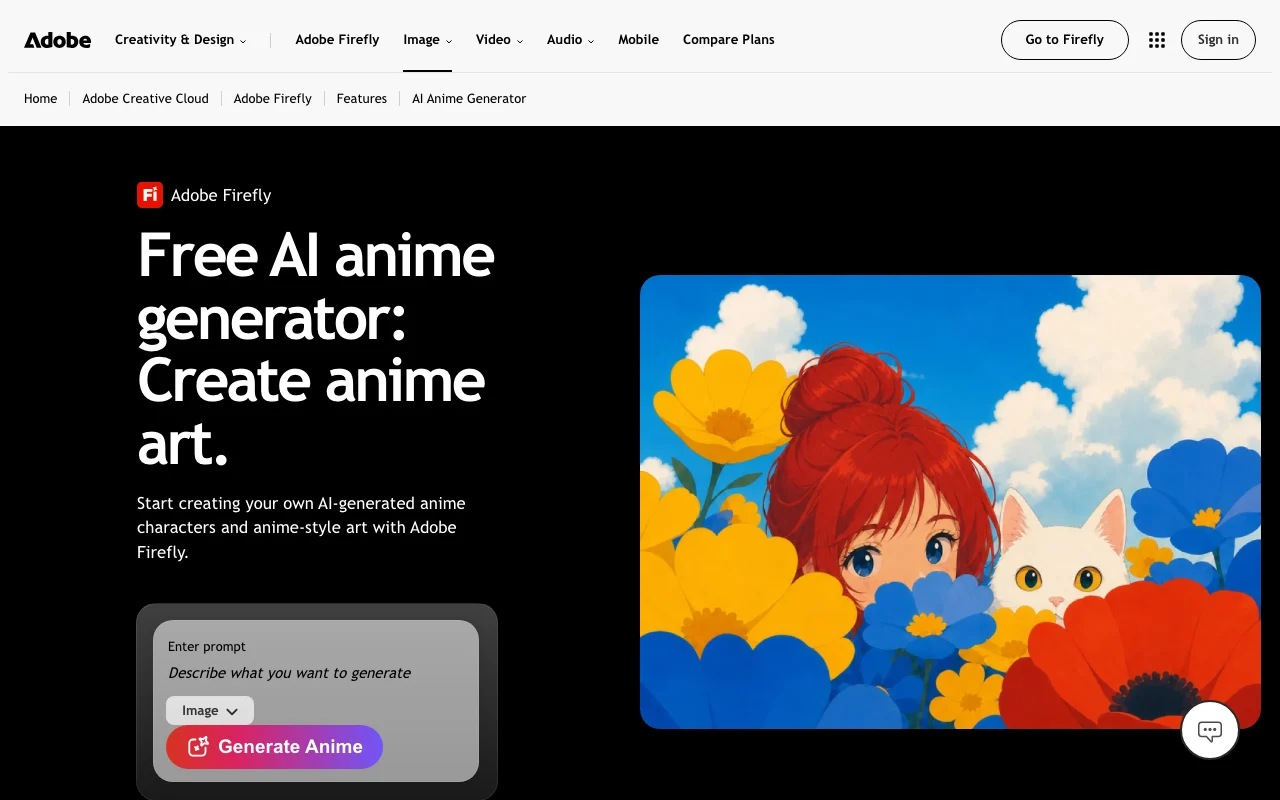
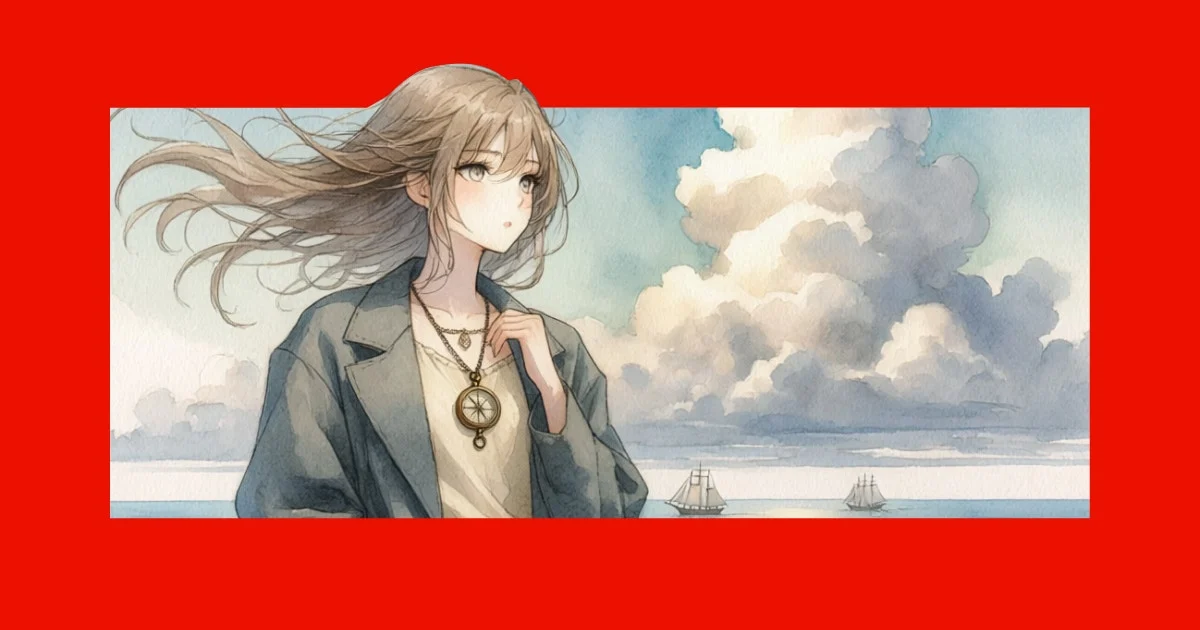
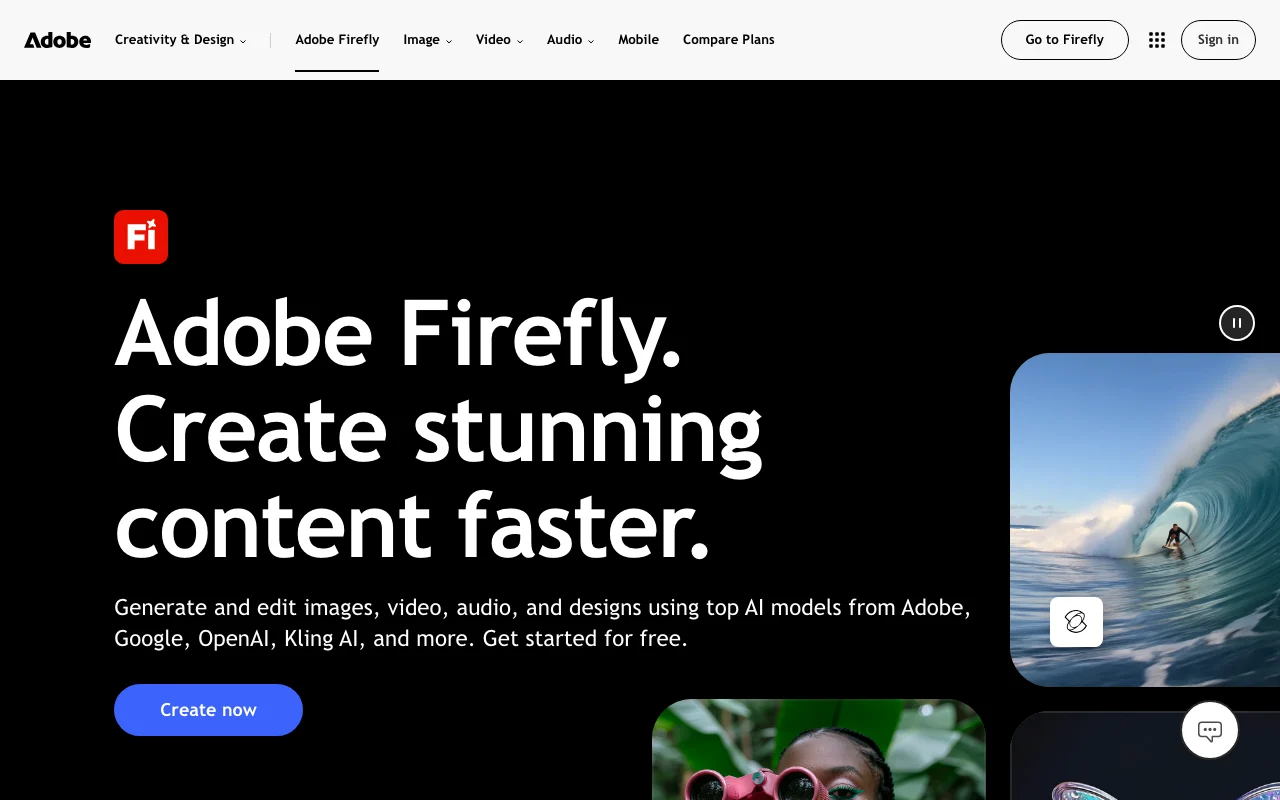
You describe what you want, or upload a reference image, and Adobe Firefly turns it into anime-style images. You can also create anime videos with Generate Video using a first frame plus text, or a first frame plus last frame. Download the results as JPEG or MP4 after generation.
#2in Popular, all time
1 points all time
See the full rankingScreenshots
1–2 of 31 of 3
About Adobe Firefly AI Anime Generator
You describe what you want, or upload a reference image, and Adobe Firefly turns it into anime-style images. You can also create anime videos with Generate Video using a first frame plus text, or a first frame plus last frame. Download the results as JPEG or MP4 after generation.
What Adobe Firefly AI Anime Generator costs
The anime generator page calls Firefly a free anime AI art generator.
Using Adobe Firefly AI Anime Generator, step by step
In the left panel, write your prompt or upload reference images to set composition and style. Click Generate, wait for results, then download images as JPEG or videos as MP4.
Refine by adjusting the prompt or settings. For video, you can use the last frame from one sequence as the start of the next.
Where you can use Adobe Firefly AI Anime Generator
You can use the Firefly web application on desktop and mobile. There is also a Firefly mobile app for iOS and Android.
Adobe Firefly AI Anime Generator FAQ
Is the Adobe Firefly AI anime art generator free?
The anime generator page calls Firefly a free anime AI art generator.
Who makes Adobe Firefly AI Anime Generator?
Firefly is associated with top AI models and partners listed on the Firefly homepage, including Google, OpenAI, and Kling AI.
Where does Adobe Firefly AI Anime Generator reach its limits?
If your prompt exceeds 750 characters, the anime generator page shows an error.
What can you feed into Adobe Firefly AI Anime Generator?
Use the prompt field for a text description, or upload reference images as composition and style inputs. For video generation, provide a first frame with a text prompt, or a first frame with a last frame.
Similar tools

ImagineArt
On-brand assets with versioned teamwork
OpenArt
Generate AI media with credits
Pika
Create video, images and sound from a brief
Biteable
Turn script ideas into shareable videos
DeepAI
Turn text prompts into images in minutesRanked near Adobe Firefly AI Anime Generator

1. Submagic
Get to publish edited shorts with less setup2. Adobe Firefly AI Anime Generator
Prompt or reference images to anime art or video
3. AirOps
Get AI discovery coverage across key channels
4. Kapwing
For marketers and creators, edit and ship videos