PromoteTools

OpenArt
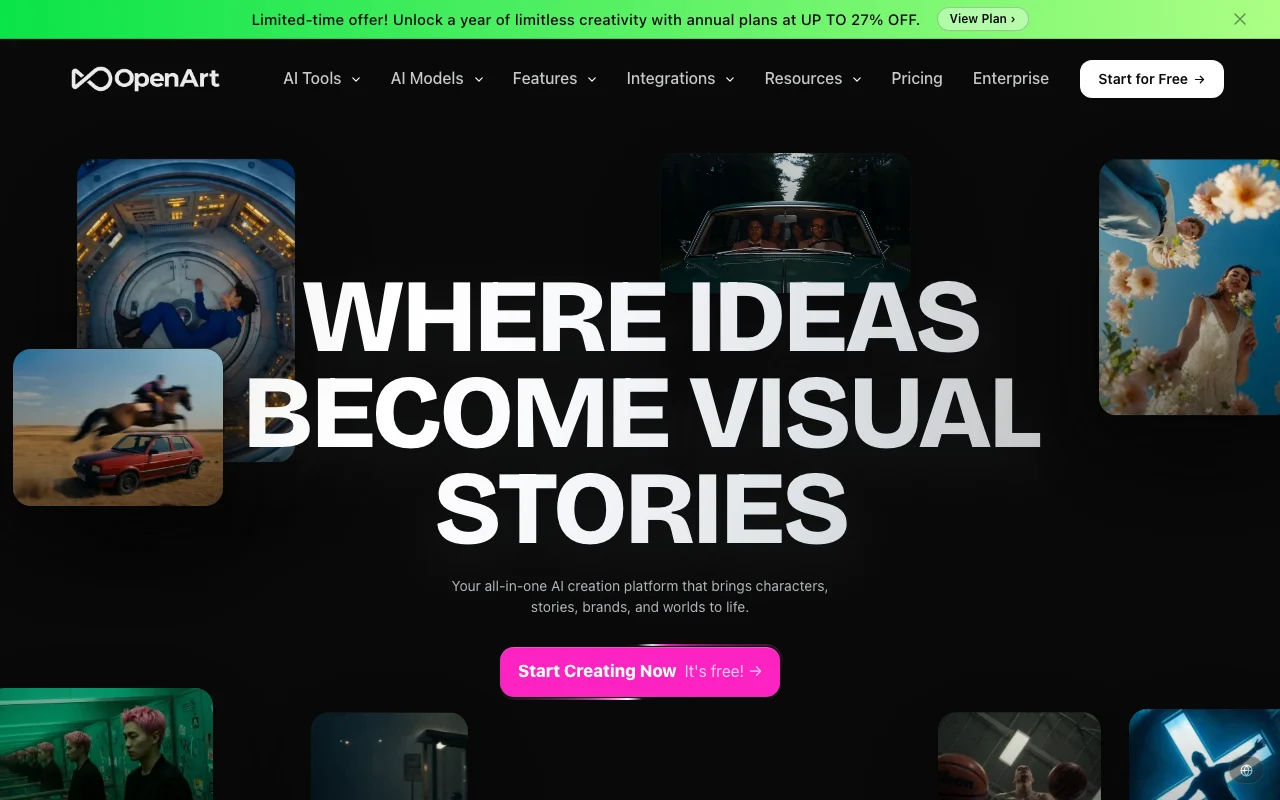
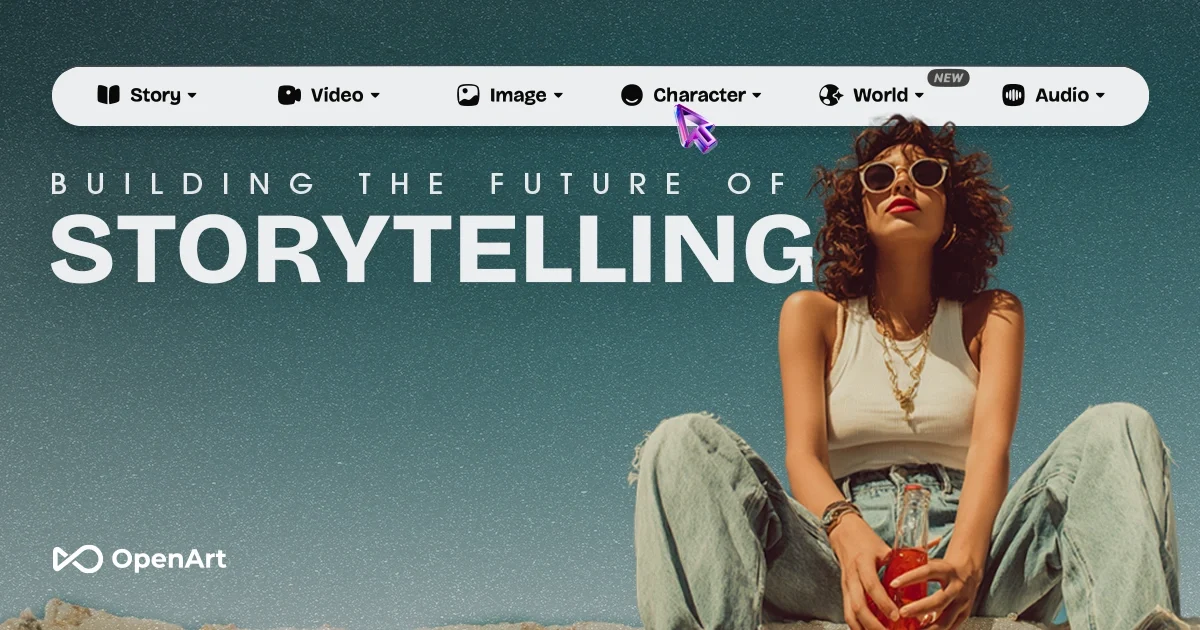
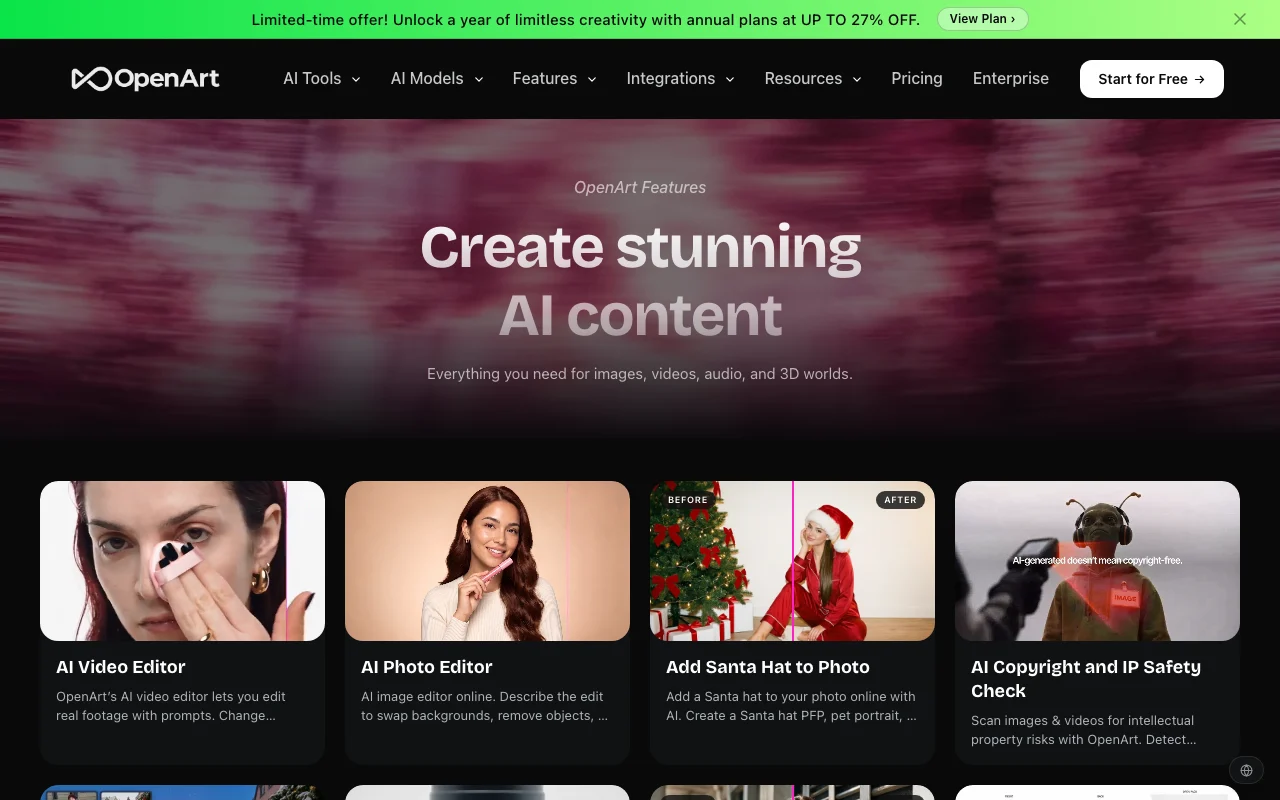
OpenArt is an online tool for creating AI videos, images, and audio. Use Video Generator for up to 15-second videos from text or reference images, and edit images on the same canvas. OpenArt also supports voiceovers with lip-sync and audio export.
#61in Popular, all time
0 points all time
See the full rankingScreenshots
1–2 of 31 of 3
About OpenArt
OpenArt is an online tool for creating AI videos, images, and audio. Use Video Generator for up to 15-second videos from text or reference images, and edit images on the same canvas. OpenArt also supports voiceovers with lip-sync and audio export.
Your first hour with OpenArt
Start by signing up, then use your trial credits to explore premium features and advanced models during a 7-day trial period. If you want to use it with After Effects, download the installer, run it after quitting After Effects, then open OpenArt via Window → Extensions.
Where OpenArt stops
Image editing supports upscaling to 4K in the same workflow, and AI video generations are stated as up to 4K resolution. Credits don’t roll over to the next month, and paid credits are lost after plan expiry. The limits for Starter, Plus, Pro, and Wonder set how many images, videos, and credits you can use, with video counts excluding Director.
Common questions
What does the cheapest OpenArt plan include?
Starter includes 4,000 credits per month, plus access to Director and OpenArt MCP. It also lists up to ~4,000 images and ~50 videos excluding Director.
What do you need to start a project in OpenArt?
For AI image generation and editing, you work in the same canvas. For OpenArt Worlds, you can start from a single text prompt or reference images.
Does OpenArt work with the tools you already use?
OpenArt lists integrations with Claude, ChatGPT, Cursor, and Adobe After Effects. It also has OpenArt MCP & CLI, which can generate images and video inside an AI agent.
How do I set up the After Effects Plugin?
Download the installer, run it after quitting After Effects, and then open OpenArt via Window → Extensions.
Similar tools
getimg.ai
Shared creative workspace for small teams
ImagineArt
On-brand assets with versioned teamwork
Biteable
Turn script ideas into shareable videos
DeepAI
Turn text prompts into images in minutes
Filmora
Turn edits into tagged, captioned videoRanked near OpenArt
59. Notion
An AI workspace to capture and automate
60. Ocoya
A marketing workflow for posts, SEO, and email61. OpenArt
Generate AI media with credits
62. OpenRouter
Route requests to the best available model