PromoteTools


Let's Enhance
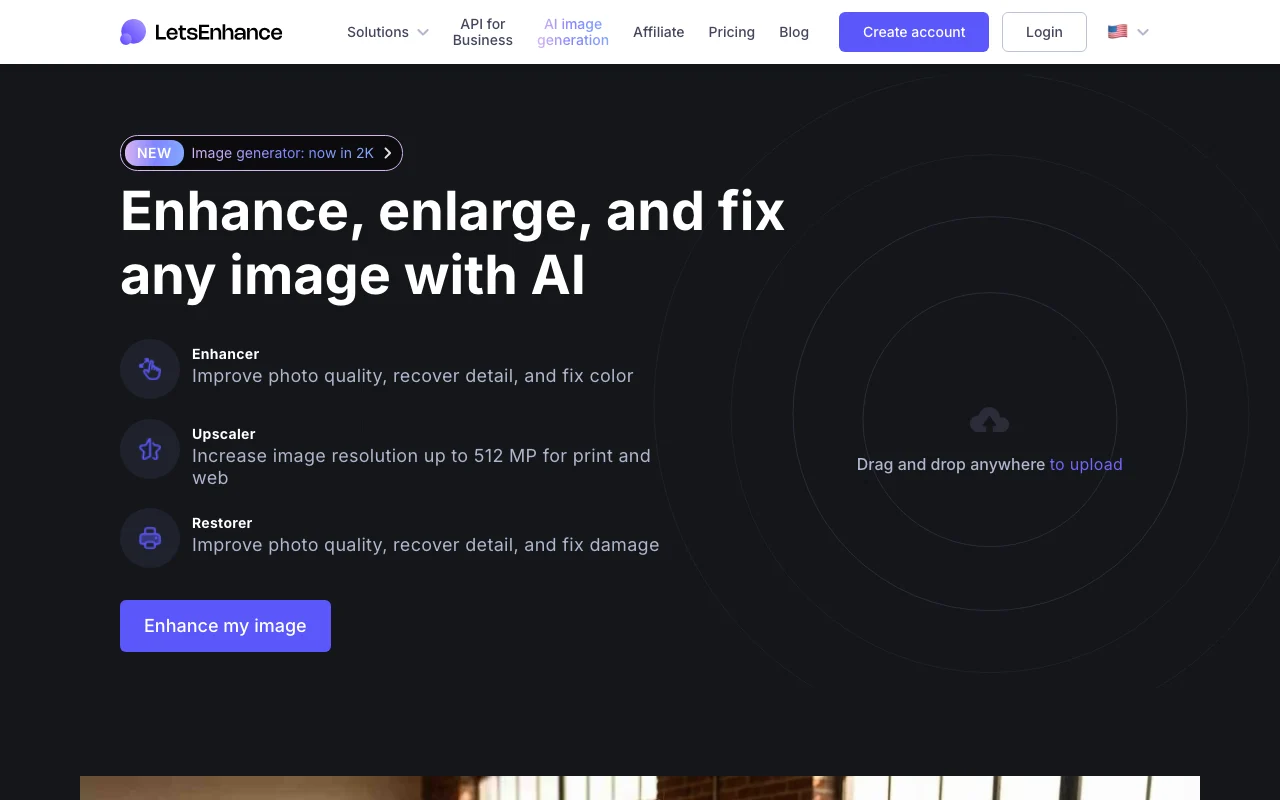
You upload and enhance images using Let's Enhance’s Enhancer, or use the business API if you need higher-volume processing. You can drag and drop files, set up 300 DPI conversion, and track usage through credits. Options include a free tier with unlimited storage for 6 months and paid plans.
#50in Popular, all time
0 points all time
See the full rankingScreenshots
1–2 of 31 of 3

About Let's Enhance
You upload and enhance images using Let's Enhance’s Enhancer, or use the business API if you need higher-volume processing. You can drag and drop files, set up 300 DPI conversion, and track usage through credits. Options include a free tier with unlimited storage for 6 months and paid plans.
Setting up Let's Enhance
Start in the Enhancer by dragging and dropping an image file. For 300 DPI conversion, upload a JPG, PNG, or WebP, then set DPI to 300 and enter a target width and height.
Limits to know
Background removal caps input and output at 16 megapixels. The app processes 20 images at once, and the resolution you process must fit within your plan limits. Credits renew monthly and roll over if you stay subscribed, but unused credits expire at the end of the paid period if you cancel. Personal plans accumulate unused credits; business plans do not, and stored credits max out at your monthly credits multiplied by 6.
Let's Enhance pricing
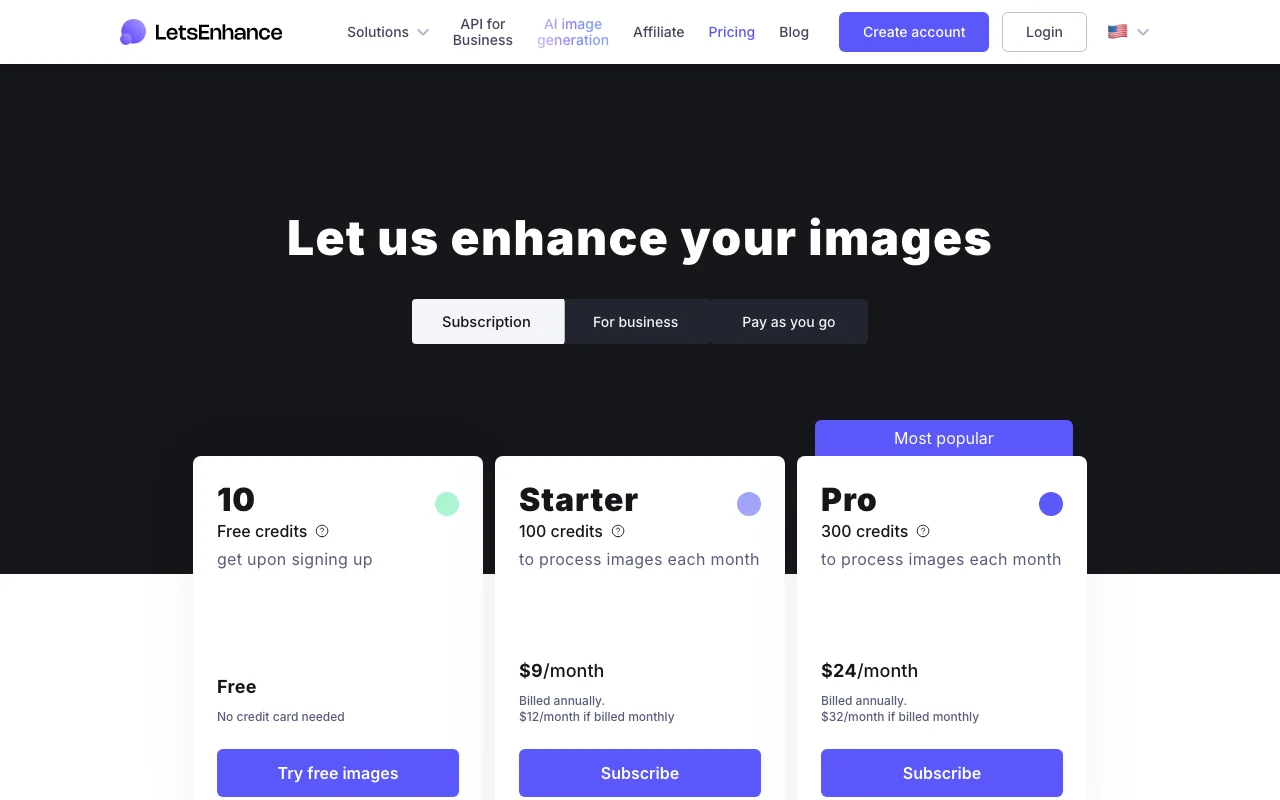
The free tier includes 10 free credits after signing up and requires no credit card, with unlimited storage for 6 months. Starter is $9/month billed annually or $12/month billed monthly. Pro is $24/month billed annually or $32/month billed monthly, and Max is $34/month billed annually or $45/month billed monthly.
What people ask about Let's Enhance
How does the credit system work?
Each processed image uses 1 credit. Credits renew monthly and can roll over to the next month if you stay subscribed.
Which apps does Let's Enhance connect to?
The business API is available on Claid.ai, and business plans use Claid.ai Workflows to chain operations in one API call.
What are the first steps in Let's Enhance?
Drag and drop an image file into the Enhancer to start. If you want 300 DPI conversion, upload a JPG, PNG, or WebP, then set DPI to 300 and provide the target width and height.
What support comes with Let's Enhance?
Supported payment methods are credit cards and PayPal. For payment issues, you can contact support@letsenhance.io.
Similar tools

Topaz Labs
Upscale images and video through a REST API
UniConverter
Get sharper results from AI enhancements
VanceAI
Uploads to processed image and video results
Befunky
Online photo editor & design suite
Skylum
Edit photos across devices with one licenseRanked near Let's Enhance

48. Landbot
Qualify leads and automate support
49. Lately AI
Longform to dozens of social posts50. Let's Enhance
Upscale images with an AI enhancer
51. Lindy
Finish work across your connected tools