PromoteTools


Skylum
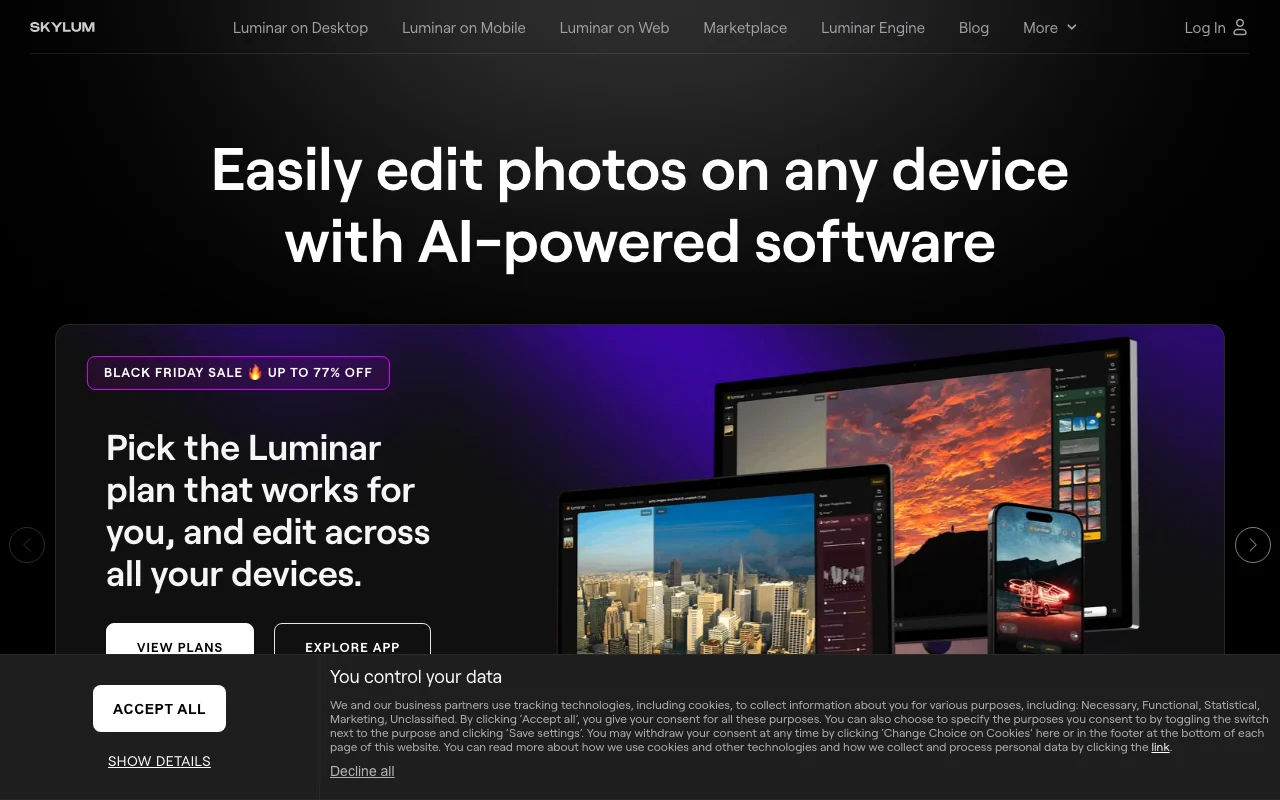
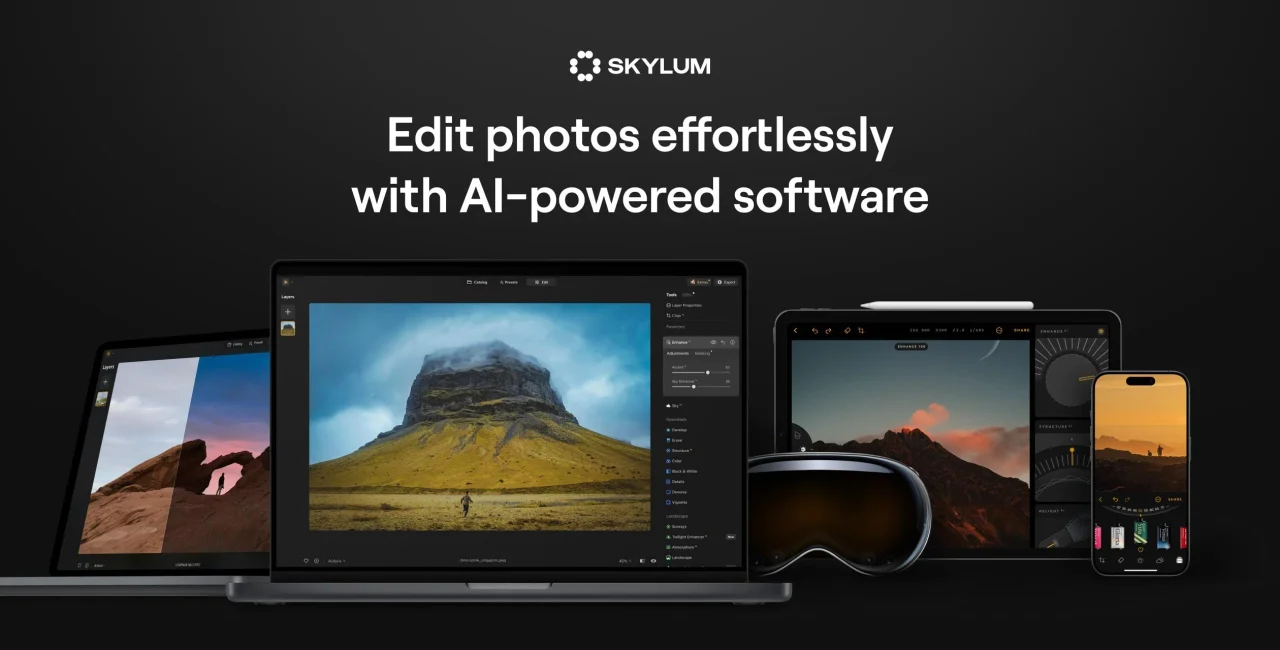
Skylum provides Luminar apps for editing photos across devices, with one license that lets you start on mobile and continue on desktop. It’s for Mac and PC users who want access to photo-editing tools on desktop, web, tablet, and mobile. Skylum also includes marketplaces with creative assets, courses, and e-books.
#74in Popular, all time
0 points all time
See the full rankingScreenshots
1–2 of 31 of 3
About Skylum
Skylum provides Luminar apps for editing photos across devices, with one license that lets you start on mobile and continue on desktop. It’s for Mac and PC users who want access to photo-editing tools on desktop, web, tablet, and mobile. Skylum also includes marketplaces with creative assets, courses, and e-books.
What Skylum connects to
Luminar on Desktop can be used standalone on macOS and Windows, or as plug-ins for Adobe Photoshop and Adobe Lightroom. It also lists plug-in support for Apple Photos.
What Skylum costs
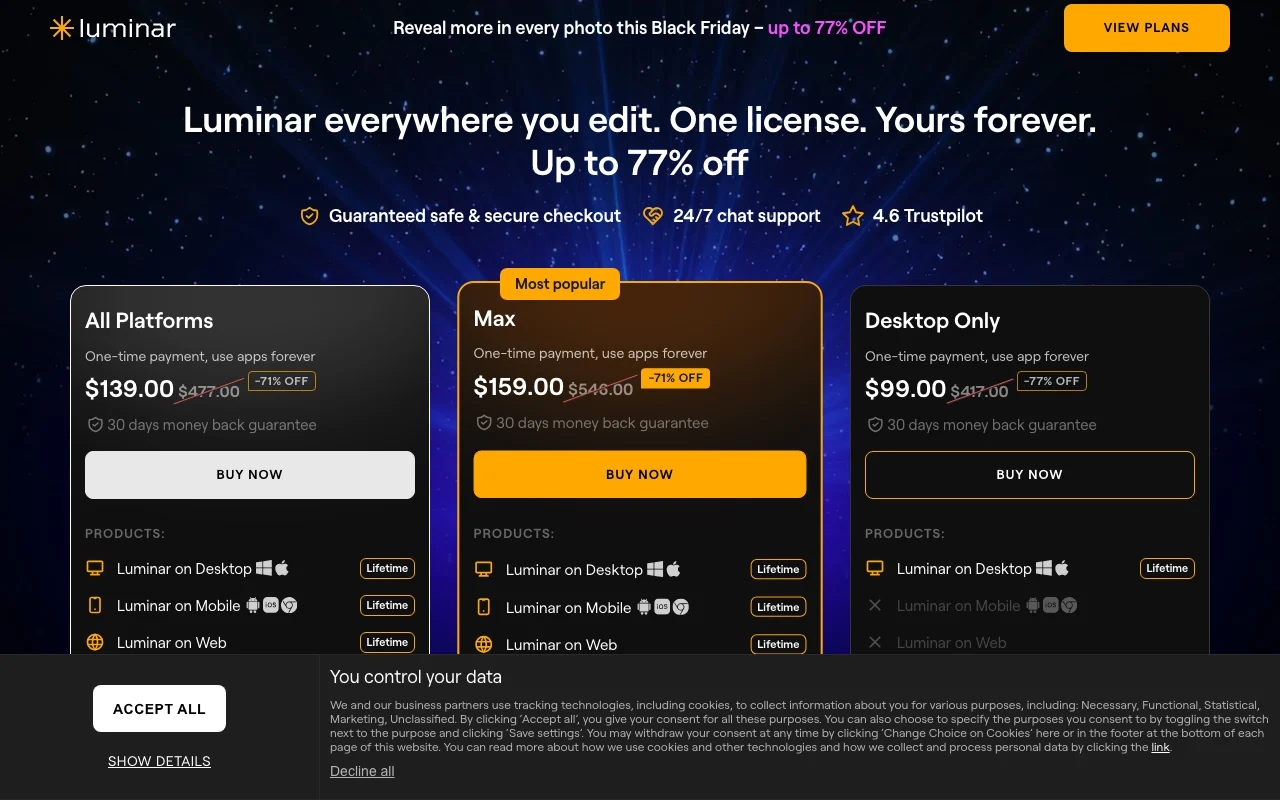
The Desktop Only plan is $99 and includes lifetime access on that device set. The All Platforms plan is $139 with lifetime access to Luminar on Desktop, Mobile, and Web. The Max plan is $159 and uses an annual access model for AI tools, plus access to new features released during the subscription period.
Apps and devices
Skylum supports editing across desktop, web, tablet, and mobile. Luminar on Desktop plug-ins are listed for Apple Photos, while Luminar on Mobile is available as standalone for Android, iOS, and ChromeOS.
Working together in Skylum
A single license includes cross-device editing, so you can begin on mobile and continue on desktop. On perpetual plans, Generative AI tools, Restoration, and AI Assistant are included for 1 year, and Luminar Prime provides 365 days of AI access under a fair use policy.
Questions about Skylum
Can other AI features be used without additional paid limits?
The AI tools are described as fully usable while the license is active.
Which companies use Skylum?
Skylum says it has 1M+ customers.
What happens to the files you give Skylum?
Luminar Engine is described as privacy-first, but the specific details of what happens to files are not provided.
How do you get help with Skylum?
Skylum support says you can contact them if you cannot find an answer.
Similar tools

Befunky
Online photo editor & design suite
Let's Enhance
Upscale images with an AI enhancer
Topaz Labs
Upscale images and video through a REST API
UniConverter
Get sharper results from AI enhancements
VanceAI
Uploads to processed image and video resultsRanked near Skylum

72. Semrush
For businesses growing online visibility
73. SEOTesting.com
Test SEO changes with Search Console data74. Skylum
Edit photos across devices with one license
75. SlidesAI
Turn notes and prompts into decks