PromoteTools


VanceAI
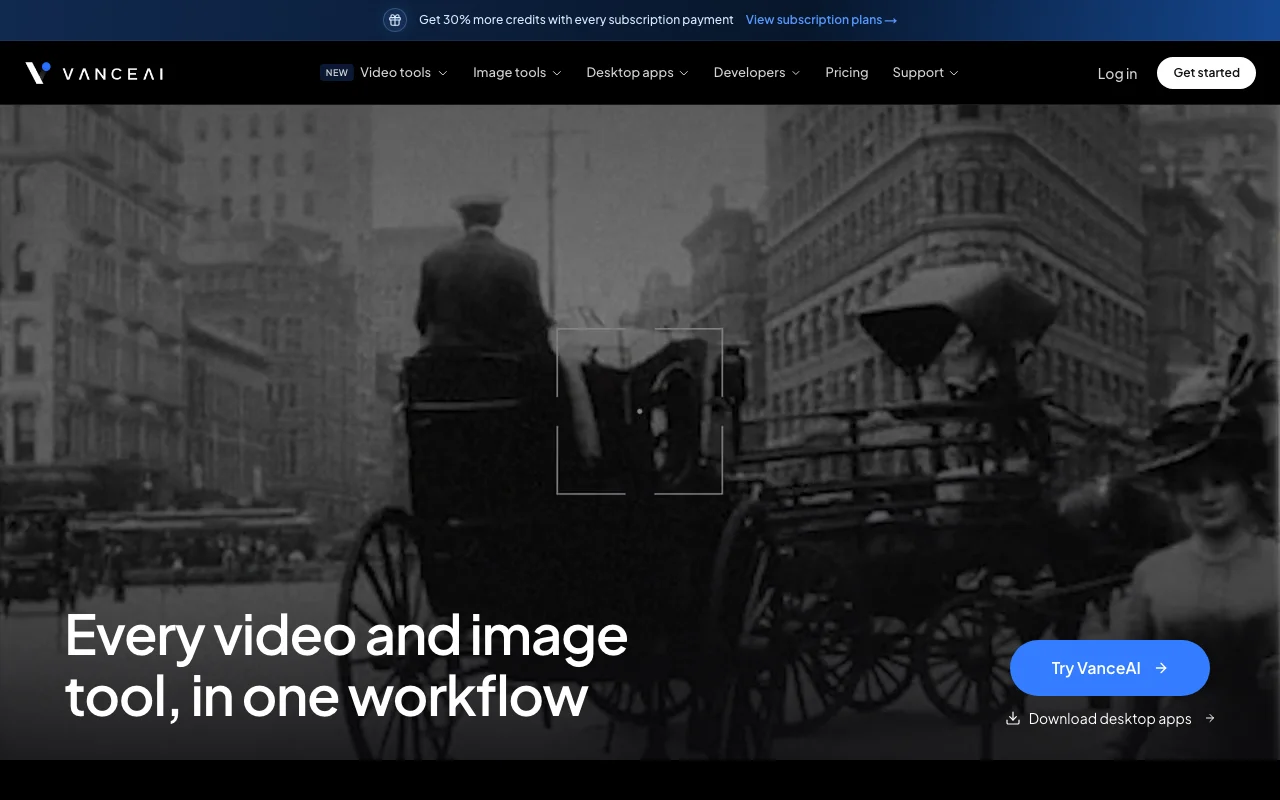
VanceAI turns your image or video input into processed outputs using Image Studio and Video Studio in the browser, plus a lightweight desktop client. It also supports API job submissions and lets you route work through compatible agent tools or ComfyUI workflows.
#89in Popular, all time
0 points all time
See the full rankingScreenshots
1–2 of 31 of 3

About VanceAI
VanceAI turns your image or video input into processed outputs using Image Studio and Video Studio in the browser, plus a lightweight desktop client. It also supports API job submissions and lets you route work through compatible agent tools or ComfyUI workflows.
From start to finish in VanceAI
You start with your image or video, then run it through VanceAI’s Image Studio and Video Studio workflows. Those studios cover tasks like upscale, sharpen, enhance, denoise, retouch, restore, colorize, cartoonize, background removal, and more, delivering your result after processing.
For subtitle generation, the billed minute rates apply per Voxa and Verba processing.
Works with your other tools
VanceAI fits into existing workflows with browser-based studios, a free lightweight desktop client, and API options. The API quickstart uses authenticated HTTP requests with a signed upload URL, then you poll job status and download the result.
For workflow automation, it supports an Agent Skill integration to run jobs from a compatible AI agent and a ComfyUI Node integration to add processing into a ComfyUI workflow.
Common questions
Are there any upload limits on paid plans?
Paid web app exports allow uploads up to 10MB and 34MP, after which you download the results without watermarks.
Need help with a business integration?
For enterprise integration, planning happens first, including volume requirements and support needs discussions before delivery starts.
What happens when you hit VanceAI's usage limit?
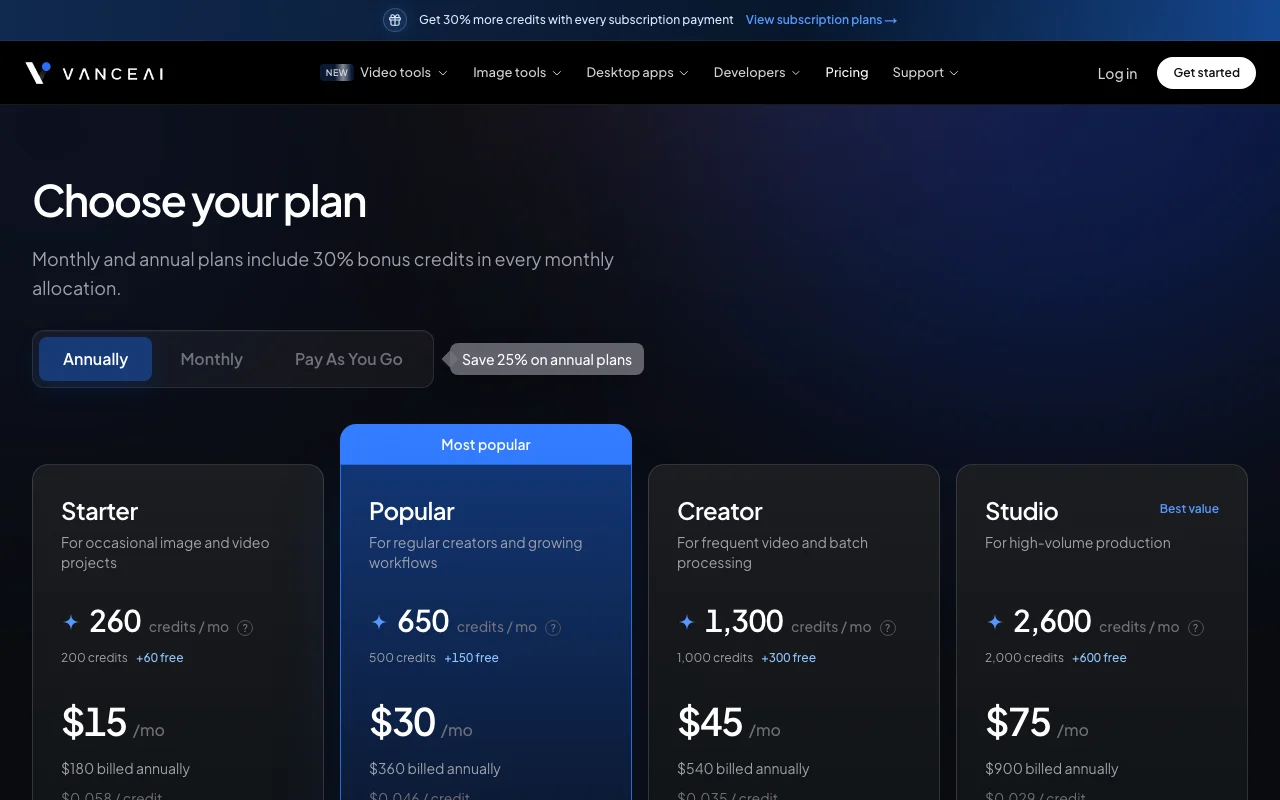
Credits are deducted once per result, and reprocessing or re-downloading the same file costs additional credits. Exports then follow the paid upload limits, and the web app credits behavior includes rollover for unused credits.
Which devices does VanceAI run on?
VanceAI has Image Studio and Video Studio in the browser. It also offers a free lightweight desktop client, and local processing is available on Windows with monthly, annual, and lifetime options.
Similar tools

Let's Enhance
Upscale images with an AI enhancer
Topaz Labs
Upscale images and video through a REST API
Befunky
Online photo editor & design suite
Skylum
Edit photos across devices with one license
Adobe Firefly AI Anime Generator
Prompt or reference images to anime art or videoRanked near VanceAI

87. Turbologo
Generate and customize a logo with AI
88. UniConverter
Get sharper results from AI enhancements89. VanceAI
Uploads to processed image and video results
90. Vista Social
Run publishing, engagement, and reports in one place