PromoteTools


UniConverter
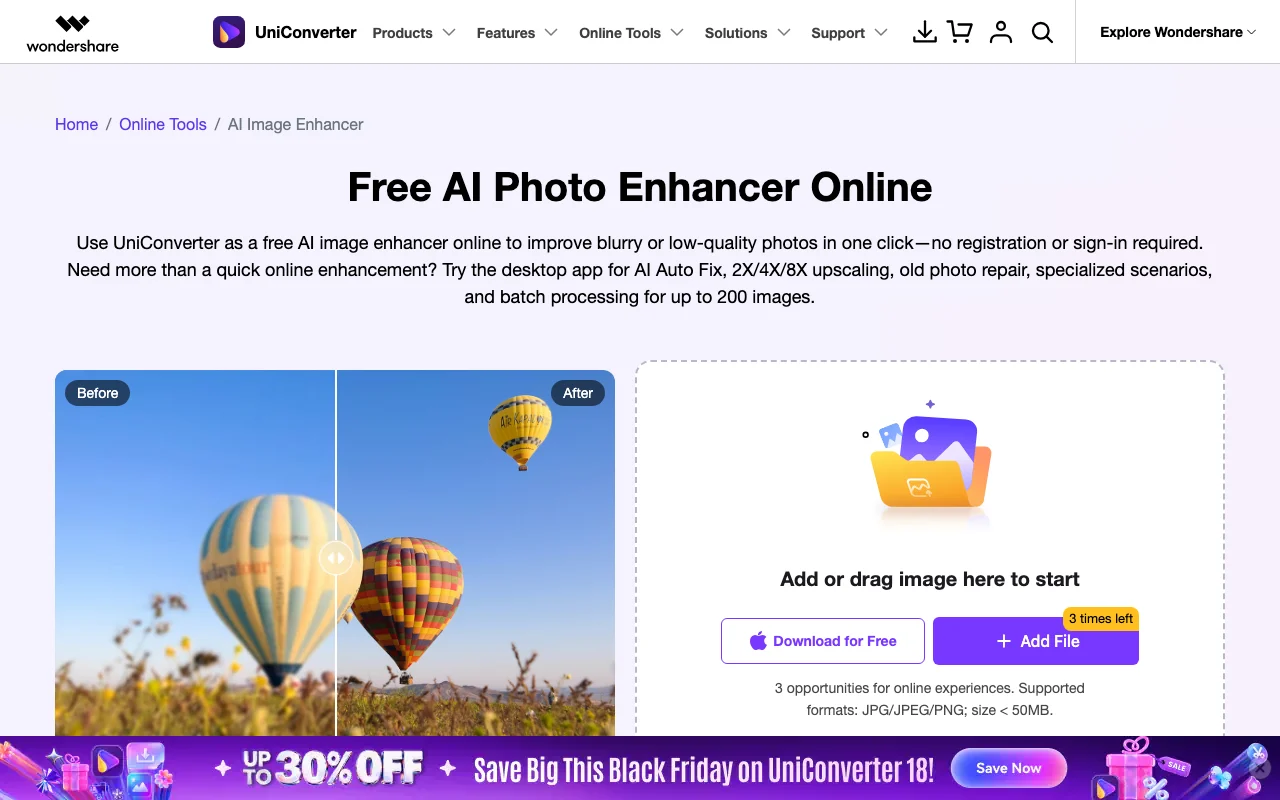
Turn blurry photos into clearer images in your browser with UniConverter’s online Quality Enhancer. It’s built for quick improvement of individual photos, with 3 free enhancements available without registration or sign-in. For repeated, batch workflows, the desktop tool supports more enhancement scenarios.
#88in Popular, all time
0 points all time
See the full rankingScreenshots
1–2 of 21 of 2
About UniConverter
Turn blurry photos into clearer images in your browser with UniConverter’s online Quality Enhancer. It’s built for quick improvement of individual photos, with 3 free enhancements available without registration or sign-in. For repeated, batch workflows, the desktop tool supports more enhancement scenarios.
Who UniConverter is for
UniConverter suits people who want faster image clarity improvements without setting up a complex workflow first. It also fits anyone who enhances photos repeatedly, including batch-style work.
What people use UniConverter for
In the browser, people use Quality Enhancer to improve overall image clarity on individual photos. For ongoing projects, desktop supports repeated and batch enhancement workflows with more modes and scenarios.
UniConverter vs the usual way
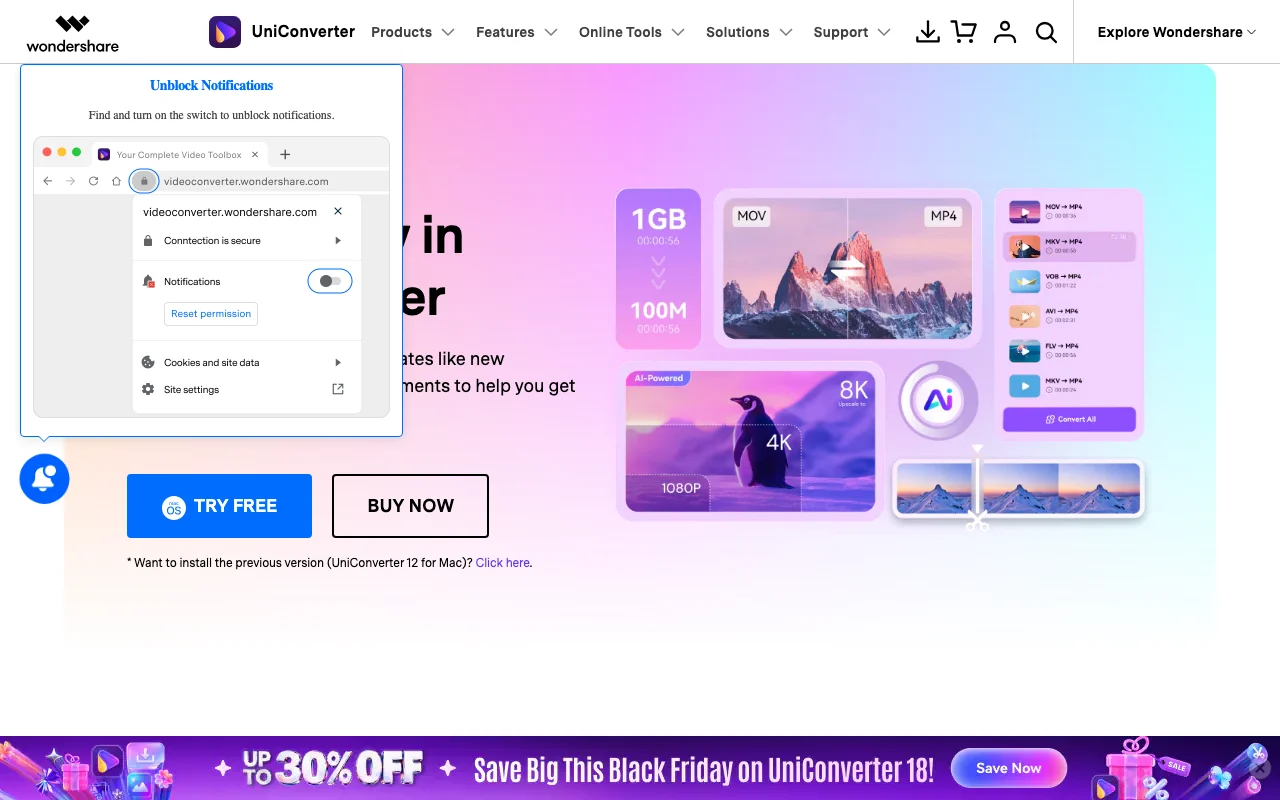
UniConverter’s online tool focuses on Quality Enhancer, while the desktop version offers additional enhancement scenarios. Desktop also includes features like AI Auto Fix and options such as Gentle, Detail (GenAI), and Face Enhancer.
Common questions
What Can UniConverter AI Image Enhancer Improve?
It improves overall image clarity. The online enhancer can analyze your image automatically, then lets you preview the result before downloading the enhanced image.
Why Upgrade to UniConverter AI Image Enhancer?
The desktop version provides more scenarios than the online Quality Enhancer. It also adds AI Auto Fix, multiple enhancement modes, 2X/4X/8X upscaling, and additional cases including text enhancement, unblur, noise reduction, color and lighting correction, and old photo restoration.
Is there a trial of UniConverter?
Yes. The online enhancer provides 3 free enhancements without registration or sign-in.
What can you feed into UniConverter?
For desktop image enhancement, it accepts JPG, JPEG, PNG, and BMP files.
Similar tools

Let's Enhance
Upscale images with an AI enhancer
Befunky
Online photo editor & design suite
Skylum
Edit photos across devices with one license
Adobe Firefly AI Anime Generator
Prompt or reference images to anime art or video
DeepAI
Turn text prompts into images in minutesRanked near UniConverter

86. Topaz Labs
Upscale images and video through a REST API
87. Turbologo
Generate and customize a logo with AI88. UniConverter
Get sharper results from AI enhancements
89. VanceAI
Uploads to processed image and video results