PromoteTools


Speechify
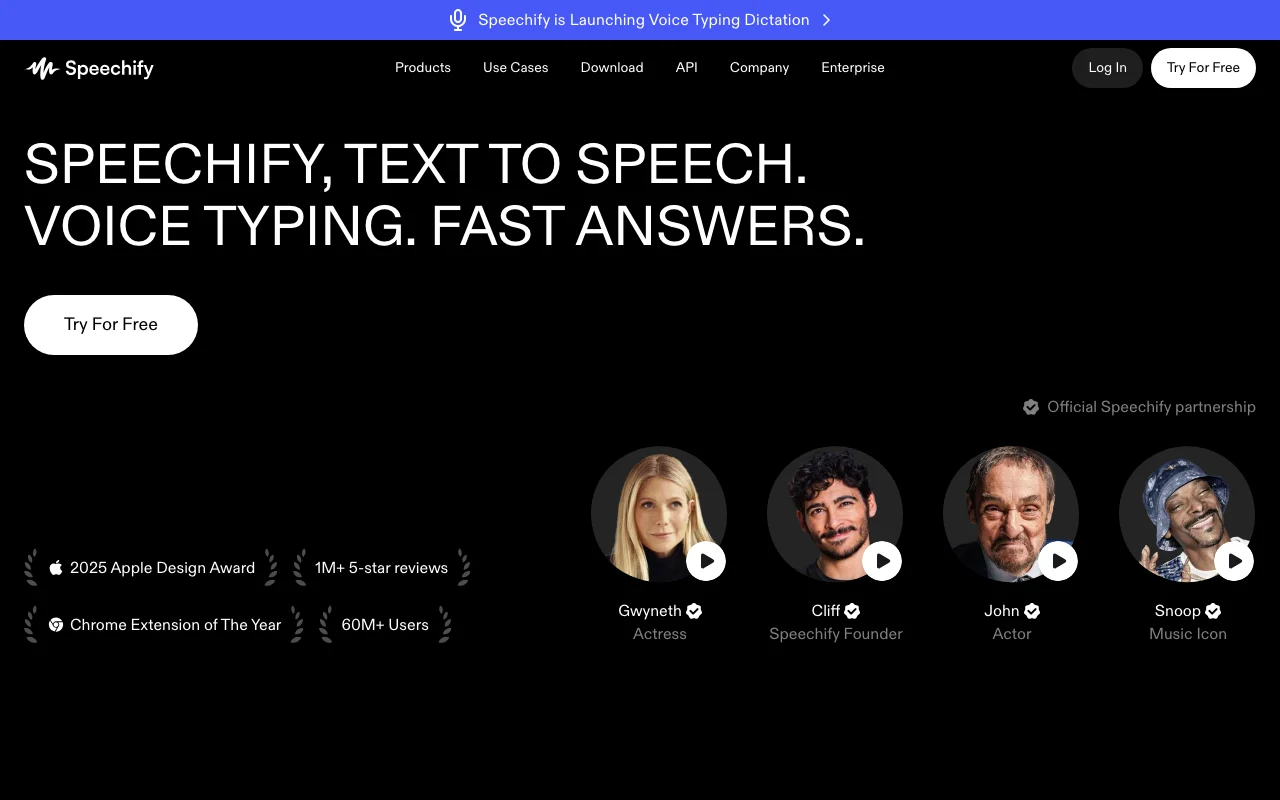
Turn your text into audio with Speechify’s text to speech, voice typing, AI notes, and AI podcast creation. You can also convert PDFs and documents into audio, summarize them, or create a podcast. Use it via the web app, mobile apps, or the Chrome extension.
#77in Popular, all time
0 points all time
See the full rankingScreenshots
1–2 of 31 of 3
About Speechify
Turn your text into audio with Speechify’s text to speech, voice typing, AI notes, and AI podcast creation. You can also convert PDFs and documents into audio, summarize them, or create a podcast. Use it via the web app, mobile apps, or the Chrome extension.
Speechify integrations
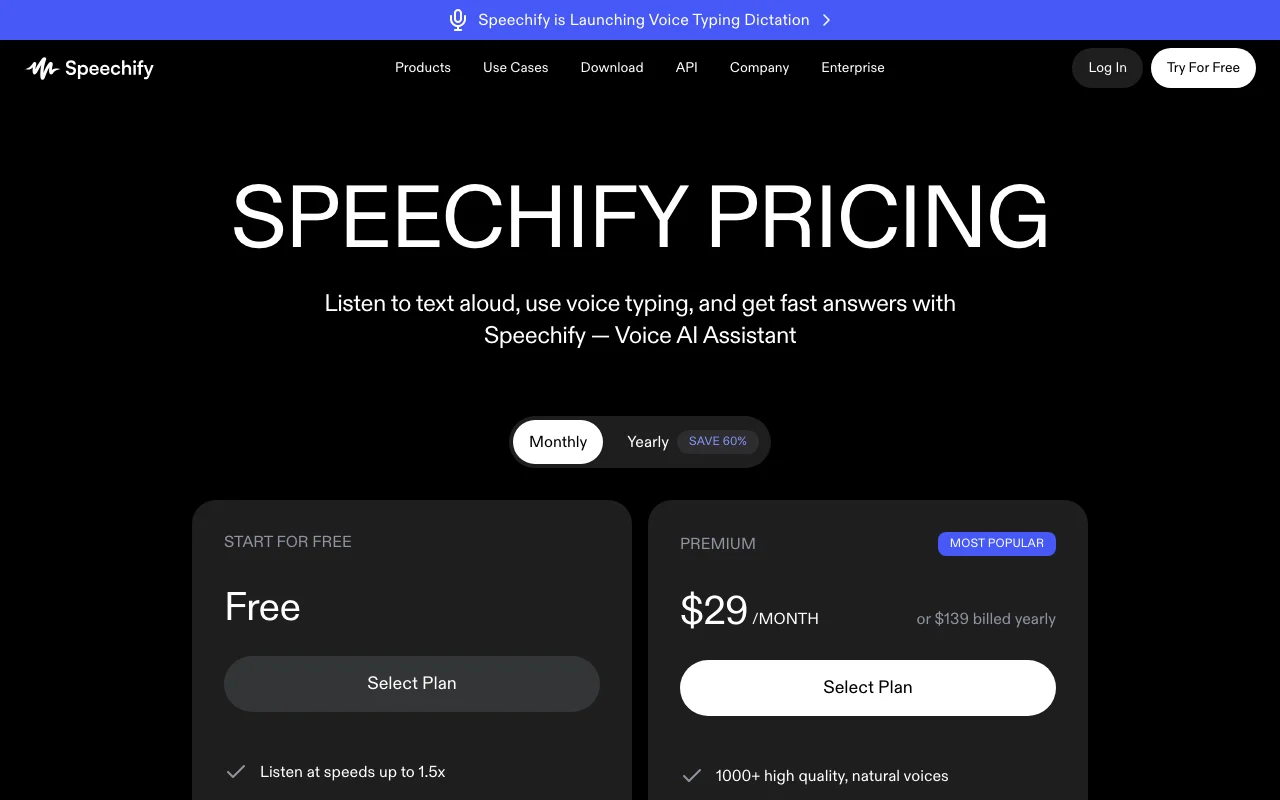
Connect Speechify Premium with Google Drive, Dropbox, and Microsoft OneDrive.
Apps and devices
Speechify is available as a web app, Chrome extension, iOS app, Android app, Windows app, and macOS app.
What you can do in Speechify
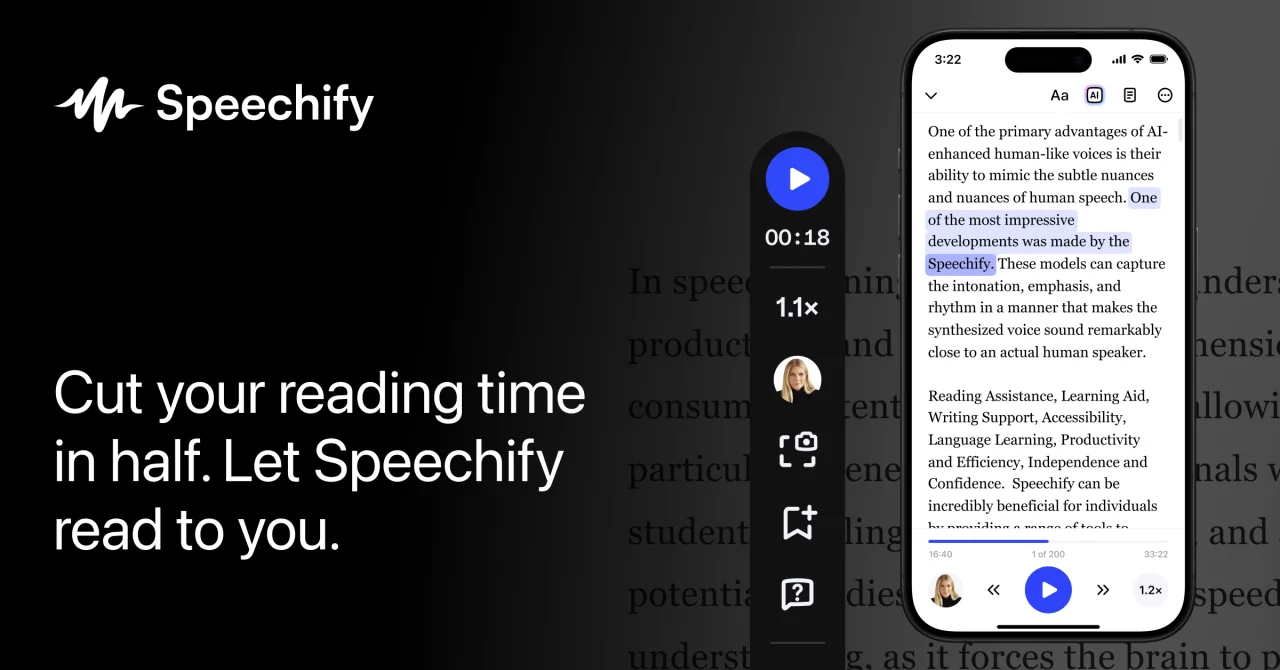
Read content aloud with the Chrome extension, use voice typing, and get answers about what you’re reading. Dictate text and automatically fix punctuation and phrasing, then highlight and control listening speed.
Scan and listen with a photo. Transcribe meetings in real time and summarize Google Meet calls, with meeting notes generated without meeting bots joining the call. Convert PDFs and documents into audio, summarize them, or create a podcast.
Common questions
What does Speechify do that similar tools don't?
It combines long-form understanding with voice typing and AI note-taking, rather than focusing only on short voice assistant-style interactions.
What happens when you hit Speechify's usage limit?
Speechify Free listens up to certain speed and voice options, but the provided details don’t describe what happens after a usage limit is reached.
Can Speechify work in languages other than English?
Yes. Speechify Premium supports 60+ different languages, and the Edge extension lists listening in 60+ languages and regional accents.
Similar tools

Adobe Firefly AI Anime Generator
Prompt or reference images to anime art or video
Kapwing
For marketers and creators, edit and ship videos
Biteable
Turn script ideas into shareable videos
DeepL
Translate text, files, images, speech
Descript
Editing text into video and audioRanked near Speechify

75. SlidesAI
Turn notes and prompts into decks
76. Smith.ai
Book more consultations from every call77. Speechify
Turn text into natural voice audio
78. Sudowrite
AI writing assistant for novelists