PromoteTools


LALAL.AI
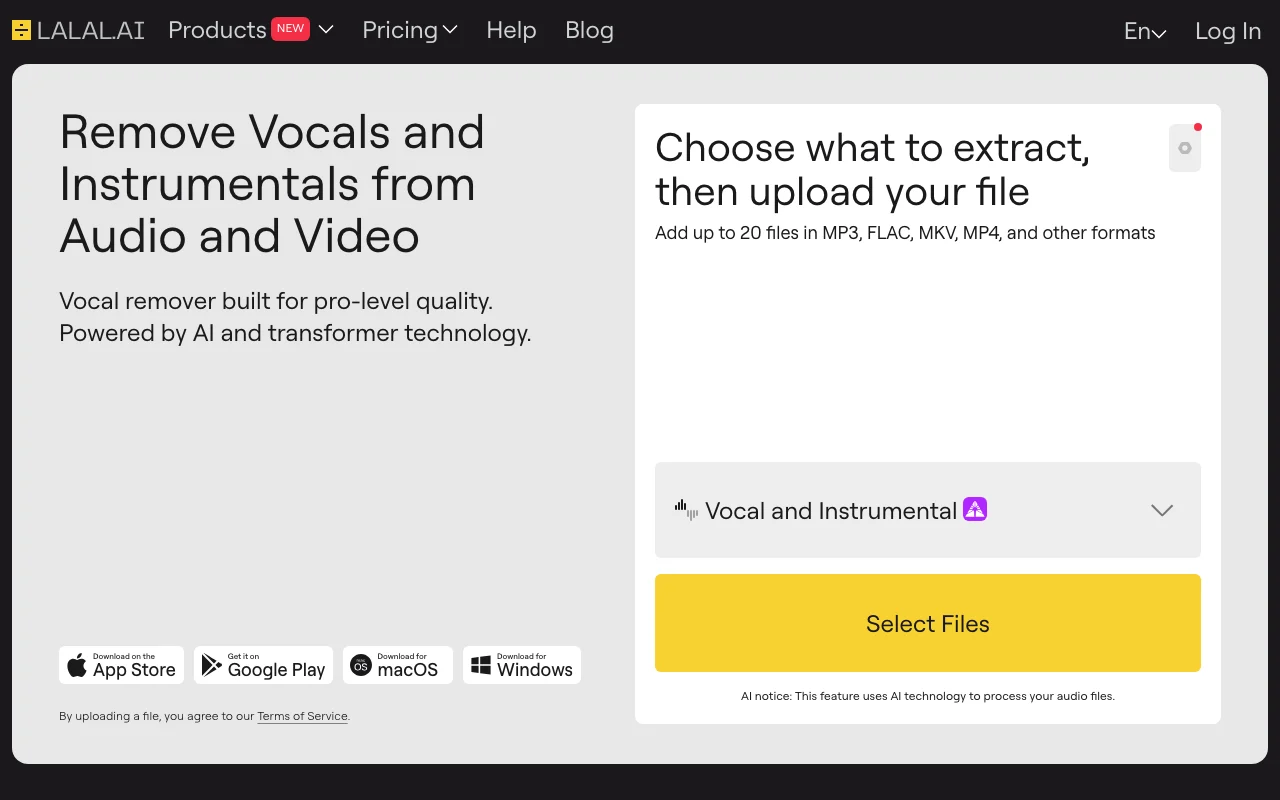
Upload music or media, then let LALAL.AI analyze and separate vocals and instrumentals. You can preview the split, finalize it with the full split option, and download the versions you need. Use it for karaoke creation and extracting acapellas, or to clean up and reshape voices.
#47in Popular, all time
0 points all time
See the full rankingScreenshots
1–2 of 21 of 2
About LALAL.AI
Upload music or media, then let LALAL.AI analyze and separate vocals and instrumentals. You can preview the split, finalize it with the full split option, and download the versions you need. Use it for karaoke creation and extracting acapellas, or to clean up and reshape voices.
How LALAL.AI works
Upload a music or media file, let LALAL.AI analyze it, then preview the separated vocal and instrumental parts. If you want to clean the audio, pick Voice and Noise in the stem selection list and preview the Voice track. When you’re ready, use the full split option, then download the versions you need.
You can also change what you see at the snippet stage by enabling lead/back separation to preview Lead Vocal, Backing Vocal, and Instrumental.
LALAL.AI's main tools
- Split tracks into multiple stems, including vocals and instrumental
- Extract vocals and instrumentals, plus drums, bass, guitar, synth, string, and wind instruments
- Use Voice Cleaner to remove background noise and unwanted sounds from audio and video
- Use Voice Changer to transform voice in music, audio, and video files
- Use Voice Cloner to build a voice model from your recordings
LALAL.AI FAQ
Does LALAL.AI have an API?
Yes. LALAL.AI provides an API for developers and enterprise integrations.
What do you need to start a project in LALAL.AI?
You need a file in a supported audio format (MP3, OGG, WAV, FLAC, AIFF, AAC, or M4A) or a supported video format (AVI, MP4, MKV, MOV, or M4V).
What is the entry price for LALAL.AI?
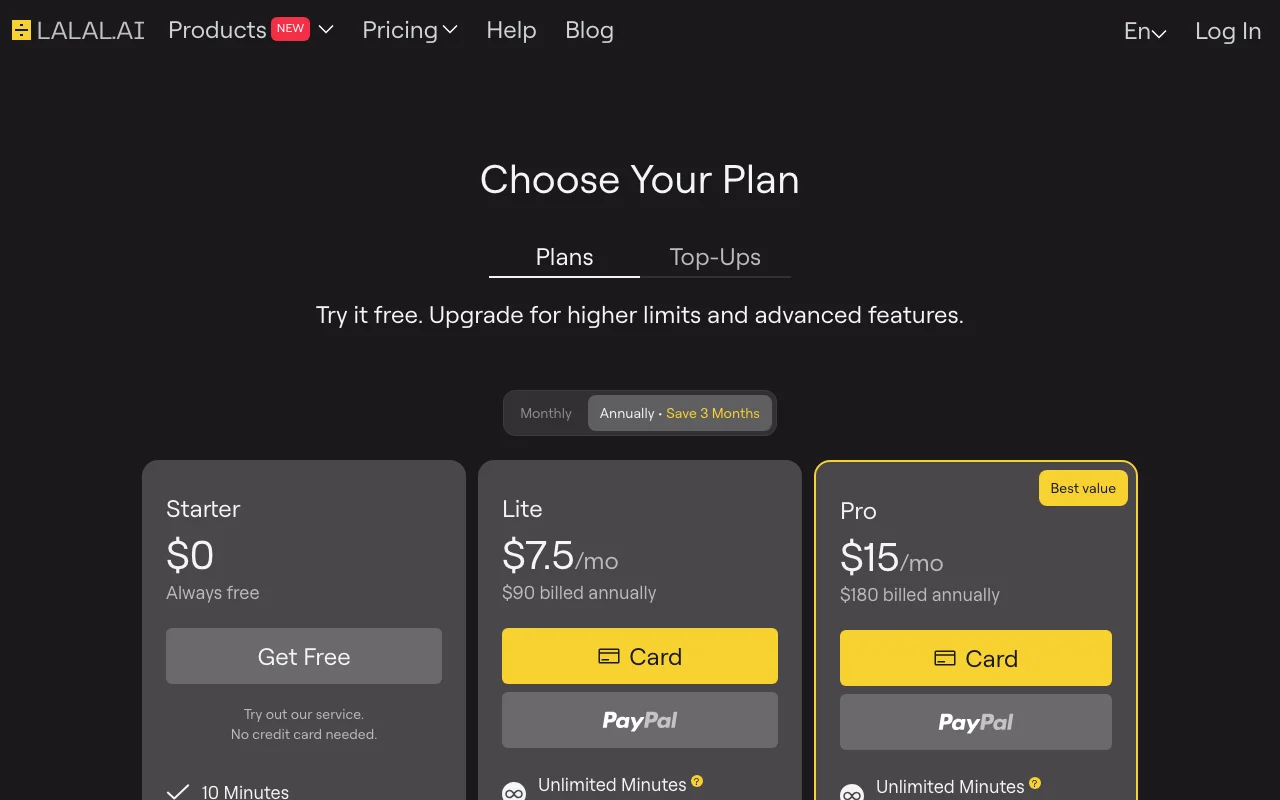
The Starter plan is free, and it includes 10 minutes in the Relaxed Queue with a 200MB upload limit per file.
Similar tools

Adobe Firefly AI Anime Generator
Prompt or reference images to anime art or video
Kapwing
For marketers and creators, edit and ship videos
Biteable
Turn script ideas into shareable videos
Descript
Editing text into video and audio
Filmora
Turn edits into tagged, captioned videoRanked near LALAL.AI

45. Kittl
Design with AI tools using templates
46. Kommunicate
AI agents for support across channels47. LALAL.AI
Get clean stems from any upload
48. Landbot
Qualify leads and automate support